
Two compliance frameworks now run on parallel tracks in your organization. The GDPR’s Data Protection Impact Assessment (DPIA) was already mandatory for high-risk processing. Now, from August 2026, the AI Act adds its own mandatory assessment called the Fundamental Rights Impact Assessment (FRIA). Both frameworks demand the same core work: identify what you’re doing with data, find the risks and prove you’ve fixed them.
The good news: organizations that have already mastered DPIAs can build FRIA compliance directly on top of that foundation. The bad news: if you’ve been running DPIAs as checkbox exercises after launch instead of before, you’re not ready for either framework.
This guide covers what a DPIA actually is, when you’re legally required to run one, the seven practical steps that separate a real assessment from a worthless one and the most common mistakes that turn DPIAs into expensive theater.
What a DPIA Actually Is
A DPIA (also called a Data Protection Impact Assessment or Privacy Impact Assessment) is a structured process that identifies and minimizes privacy risks before you start processing data in a new way. It’s not a document you file away. It’s a working record that evolves as your processing changes.
Under GDPR Article 35, a DPIA is your systematic analysis of three things: what data flows where, what could go wrong and what you’ve done to stop it. Article 35 requires this for processing that creates high risks to the rights and freedoms of individuals.
The purpose isn’t to eliminate risk entirely (you can’t). The purpose is to ensure risks are proportionate to what you’re trying to accomplish and that you’ve genuinely considered alternatives before moving forward.
When a DPIA Becomes Mandatory
GDPR lists four concrete triggers for mandatory DPIAs. If your processing meets any of these, you must run one:
Systematic profiling that produces legal or similarly significant effects. If you’re using data to automatically make decisions about a person (automatic access denial, pricing changes, credit decisions), a DPIA is non-negotiable.
Large-scale processing of sensitive data. Processing special categories of data (health, race, religion, biometric data) at scale requires a DPIA. The threshold varies by context, but “large-scale” in regulatory practice means processing affecting thousands of individuals or continuous monitoring.
Systematic monitoring of publicly accessible areas. Video surveillance with facial recognition or automated behavioral tracking of public spaces triggers this requirement.
New technologies with inherent high risk. If you’re processing data using tools or methods that weren’t common practice when the GDPR was drafted, assume you need a DPIA. Facial recognition, behavioral advertising tracking, or algorithmic decision-making all fall here.
There’s a new trigger for 2026. Under the updated CCPA guidance (effective January 1, 2026), any processing that creates a “significant risk” to California consumers must now be assessed as if you were running a DPIA. This means organizations handling California resident data now face a twin requirement: GDPR DPIA logic for European users and CCPA “significant risk” logic for Americans. Both demand the same process, slightly different terminology.
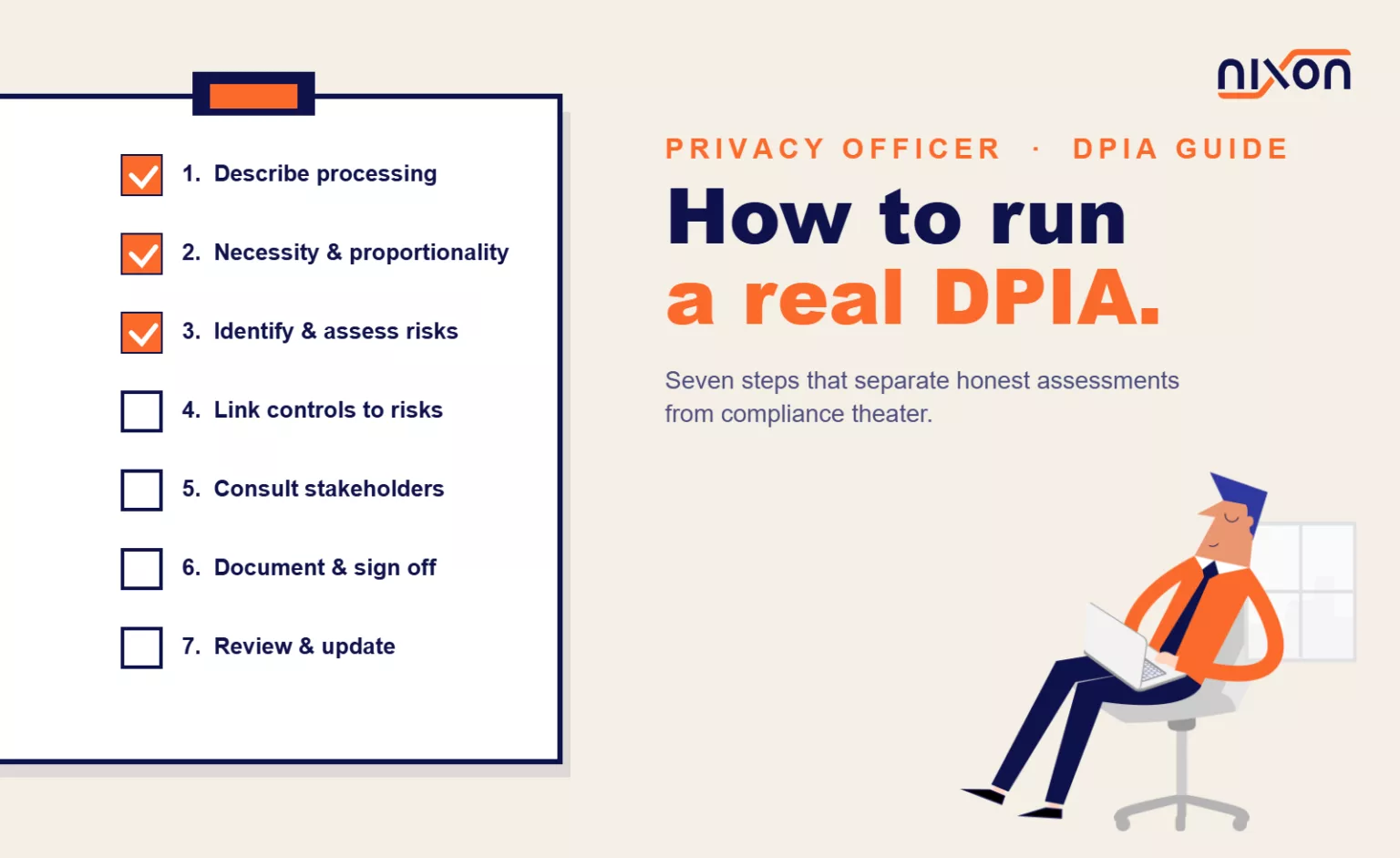
The Seven Steps of a Practical DPIA Process
Most DPIAs fail because they skip hard thinking. Here’s the process that actually works.
Step 1: Describe the Processing Activity
Write down exactly what’s happening. Don’t abstract it. Don’t say “we process user data.” Say what data, why, how and who touches it.
For example: “We collect email, phone number, IP address, and browser behavior via Google Analytics on our contact form page. We store this in Google Analytics and transfer it to our CRM platform via Zapier. Authorized personnel can view this data for 12 months, then it’s deleted.”
This step forces clarity. Vague descriptions are a red flag that you don’t actually understand your own processing.
Step 2: Assess Necessity and Proportionality
Ask directly: Do you actually need this data? Is the method proportionate to the purpose?
Necessity means you can’t accomplish your goal without processing this specific data in this specific way. If you need to follow up with a lead, email is necessary. Behavioral profiles aren’t.
Proportionality asks whether the invasion of privacy is justified by the benefit. If you collect income data to verify eligibility for a service, that’s proportionate. If you collect income data to set dynamic pricing without the customer’s knowledge, that’s not.
This step is where many DPIAs become honest assessments instead of exercises in rationalization. If you can’t genuinely justify the necessity and proportionality, that’s the legitimate finding of the assessment.
Step 3: Identify and Assess Risks
List every risk you can identify, then score each one on two dimensions: likelihood (how probable is this bad thing?) and severity (how bad is it if it happens?).
Risks in a DPIA typically fall into these categories:
Re-identification risks. You think you’ve anonymized data, but it’s actually still identifiable when combined with other datasets.
Unauthorized access. Someone inside your organization accesses data they shouldn’t, or an external vendor suffers a breach.
Scope creep. You collect data for one purpose and end up using it for another.
Discrimination. Your processing systematically disadvantages a group of people.
Data retention errors. You delete data late or not at all.
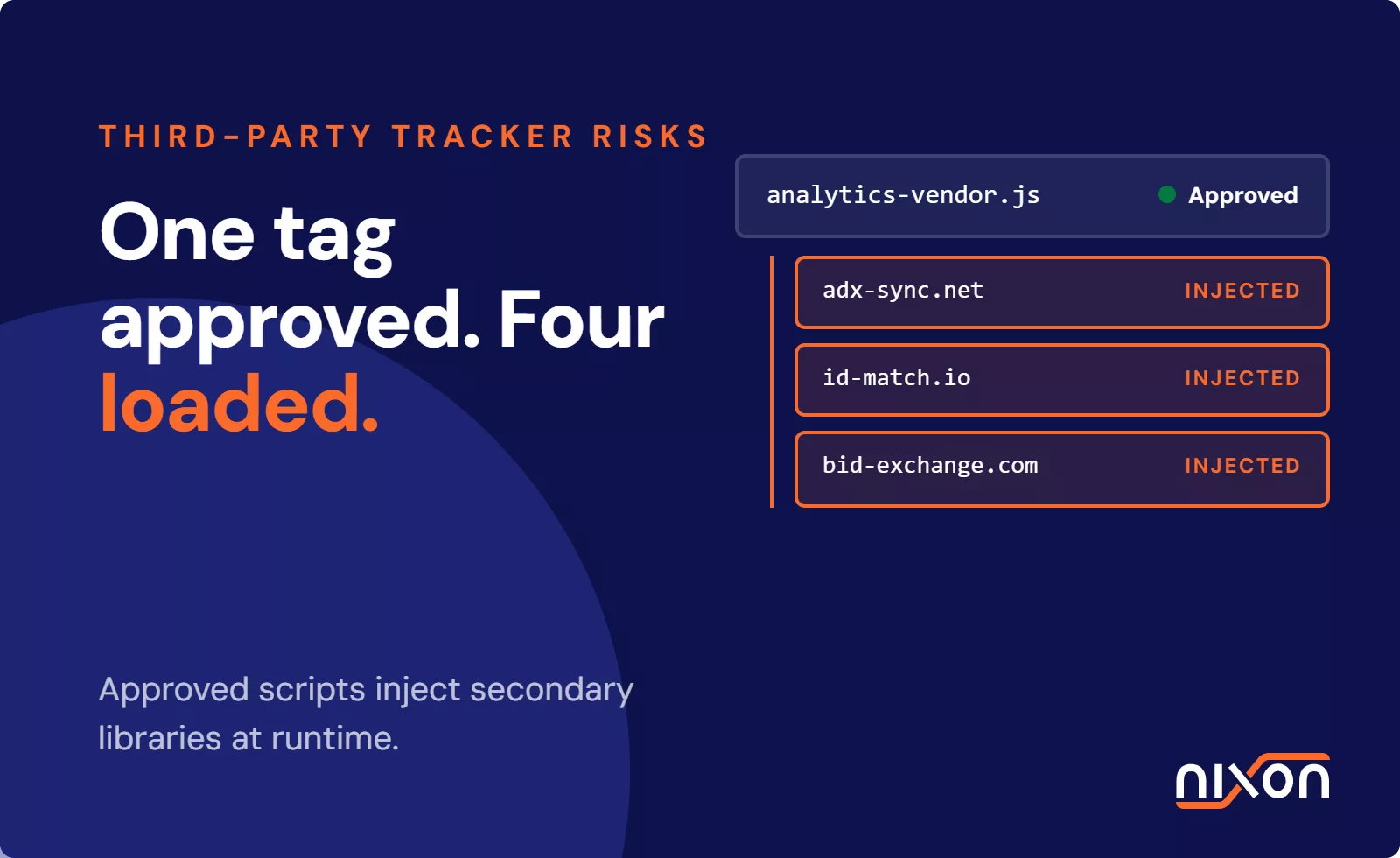
Third-party liability. You send data to vendors who don’t handle it as securely as you do.
The severity scale matters. A minor data retention gap is low-severity. Processing that could deny someone access to critical services is high-severity.
Step 4: Identify Controls and Link Them to Risks
For every risk you identified, write down exactly what you’re doing to prevent it. Then, critically, link each control to the risk it actually addresses.
Example of a weak DPIA control: “We have a data retention policy.” This says what you do, not why it matters. A strong control: “We have a technical control that auto-deletes data after 12 months, preventing scope creep and unauthorized retention.”
Common controls include technical measures (encryption, pseudonymization, access logging), organizational measures (staff training, vendor contracts, access restrictions), and governance measures (documented procedures, audit logs, role-based permissions).
The control doesn’t have to eliminate the risk to zero. It has to reduce it to an acceptable level. If residual risk remains, you need to document why you’re accepting it.
Step 5: Consult with Stakeholders
GDPR Article 35(9) requires you to consult with your Data Protection Officer before the processing starts. You may also need to consult with other stakeholders: technical teams, business owners, legal counsel, even affected individuals.
This isn’t theater. Real consultation means you actively listen to concerns, address them in writing and explain your decisions even when you disagree.
DPOs often find problems in DPIAs that business teams missed. Technical teams spot security gaps. Listen.
Step 6: Document and Sign Off
Write a final assessment that covers what you’re doing, which risks you identified, which controls you’re using and why you believe the risks are now acceptable. Have your DPO sign it. Have business stakeholders acknowledge it.
This document is your legal record. It shows that you thought through the impact before you launched. If a regulator asks, “Why did you process data this way?”, this document is your answer.
Step 7: Review and Update
A DPIA isn’t a one-time task. You must review and update it whenever processing changes materially. Changes include new data types, new purposes, new vendors, new retention periods, changes to access controls, or changes to the underlying technology.
Most DPIAs become worthless after three months because they’re never updated when processing changes. Organizations that treat DPIA review as part of their regular compliance calendar stay current.
Common Mistakes That Turn DPIAs Into Theater
Running DPIAs after you’ve already launched. DPIAs are supposed to happen before you start processing. If you’re writing one after data is already flowing, you’re not assessing whether to proceed – you’re documenting what you’re doing and hoping regulators don’t object. Too late to change course.
Listing risks without linking them to real mitigations. Many DPIAs read like “Risks: Data breach. Control: We have data security.” That’s not a link. The real link is specific: “Risk: Unauthorized access to customer data. Control: We use encryption at rest, role-based access lists updated quarterly and logging of all access attempts that we review monthly.”
No update schedule. If you don’t have a calendar reminder to review the DPIA every time processing changes, it becomes obsolete immediately. Build it into your compliance program.
Assuming sensitivity equals risk. Email addresses seem innocent but are often part of identity theft chains. Health data is genuinely high-sensitivity. Processing volume matters more than category for some risks. A retail website processing thousands of email addresses faces larger identity-risk consequences than a healthcare provider processing a handful of patient records.
Consultations that don’t consult. Sending a DPIA draft to your DPO with a deadline to “approve by Friday” isn’t consultation. Consultation means you’re open to changing the processing based on feedback. If the feedback is ignored, you didn’t consult.
How FRIA Builds on DPIA Foundations
The AI Act’s Fundamental Rights Impact Assessment (FRIA, mandatory from August 2026) has the same structure as a GDPR DPIA. Both frameworks require you to describe what you’re doing, identify risks, propose controls and document your reasoning.
The main difference is scope. DPIAs focus on privacy and data-related risks. FRIAs must assess risks to all fundamental rights: privacy, freedom of expression, non-discrimination, human dignity, rule of law.
Organizations that have already built genuine DPIA processes can adapt them for FRIA by expanding the risk categories and stakeholders. Your data security controls may not address whether an AI model discriminates against a protected group, so your FRIA will be broader. But the core seven-step process translates directly.
Tracking DPIAs as Part of an Ongoing Program
Running one DPIA is straightforward. Managing dozens of assessments across your organization, updating them on schedule, and ensuring stakeholder buy-in at scale requires a tracking system. Most organizations use a combination of a document repository, calendar reminders and a compliance register.
A key input for any DPIA is knowing what’s actually happening on your website. Nixon Pro gives you an accurate picture of which third-party processors receive data from your site and how your consent implementation is working – exactly the technical facts your DPIA needs to document.
For more on how GDPR DPIAs and AI Act FRIAs overlap, see our comprehensive guide to FRIA and data protection alignment.
Build Honest Assessments, Not Rituals
The difference between a real DPIA and one that’s purely ceremonial is honest risk identification. If your assessment concludes that everything is low-risk because all your controls are “in place,” you probably haven’t thought hard enough.
Real DPIAs find problems. They identify risks that are genuinely unacceptable unless you change something. They recommend alternatives. Sometimes, after a real DPIA, organizations decide to change how they process data because the assessment showed the original approach created risks they weren’t willing to accept.
That’s the point. A DPIA that changes nothing, asks nothing and challenges nothing is just documentation theater. A DPIA that forces hard conversations is doing its job.
GDPR Article 35 is the full legal text for DPIA requirements and is the definitive reference for when assessments are mandatory.
Related reading: AI Act FRIA and data protection impact assessments | EDPB 2026 enforcement focus: transparency requirements | Website privacy audit checklist
Frequently Asked Questions (FAQ)
When is a DPIA legally required under GDPR?
A DPIA is mandatory in four situations: when you use systematic profiling that produces legal or significant effects on individuals, when you process sensitive data at large scale, when you systematically monitor publicly accessible areas, and when you deploy new technologies with inherent high risk – like facial recognition or algorithmic decision-making. From January 2026, organizations handling California resident data face an additional parallel requirement under updated CCPA guidance.
What is the most common mistake organizations make with DPIAs?
Running them after processing has already started. A DPIA is supposed to happen before data starts flowing – not as a retrospective justification for something already in production. Other frequent failures include listing risks without linking them to specific controls, never updating the assessment when processing changes, and conducting consultations that aren’t genuine – sending a draft to the DPO with a Friday deadline and ignoring the feedback.
How specific does a DPIA need to be?
Very specific. Vague descriptions like “we process user data” are a red flag that you don’t actually understand your own processing. A proper DPIA names the exact data collected, explains why it’s necessary, describes where it goes, who can access it, how long it’s retained, and what happens to it after that. The same applies to controls – “we have a data retention policy” is not a control. A technical auto-delete after 12 months linked to a specific risk is.
How often should a DPIA be reviewed and updated?
Every time processing changes materially – which includes new data types, new purposes, new vendors, new retention periods, changes to access controls, or changes to the underlying technology. Most DPIAs become outdated within months because no one builds in a review schedule. Treating DPIA review as a recurring item in your compliance calendar, rather than a one-time task, is what keeps assessments accurate and defensible.
How does a DPIA relate to the new FRIA requirement under the EU AI Act?
They share the same seven-step structure: describe the processing, assess necessity, identify risks, propose controls, consult stakeholders, document and sign off, then review and update. The key difference is scope – a DPIA focuses on privacy and data risks, while a FRIA must cover all fundamental rights including non-discrimination, freedom of expression and access to essential services. Organizations with a solid DPIA process already have the foundation – the FRIA expands the risk categories, it does not replace the framework.