
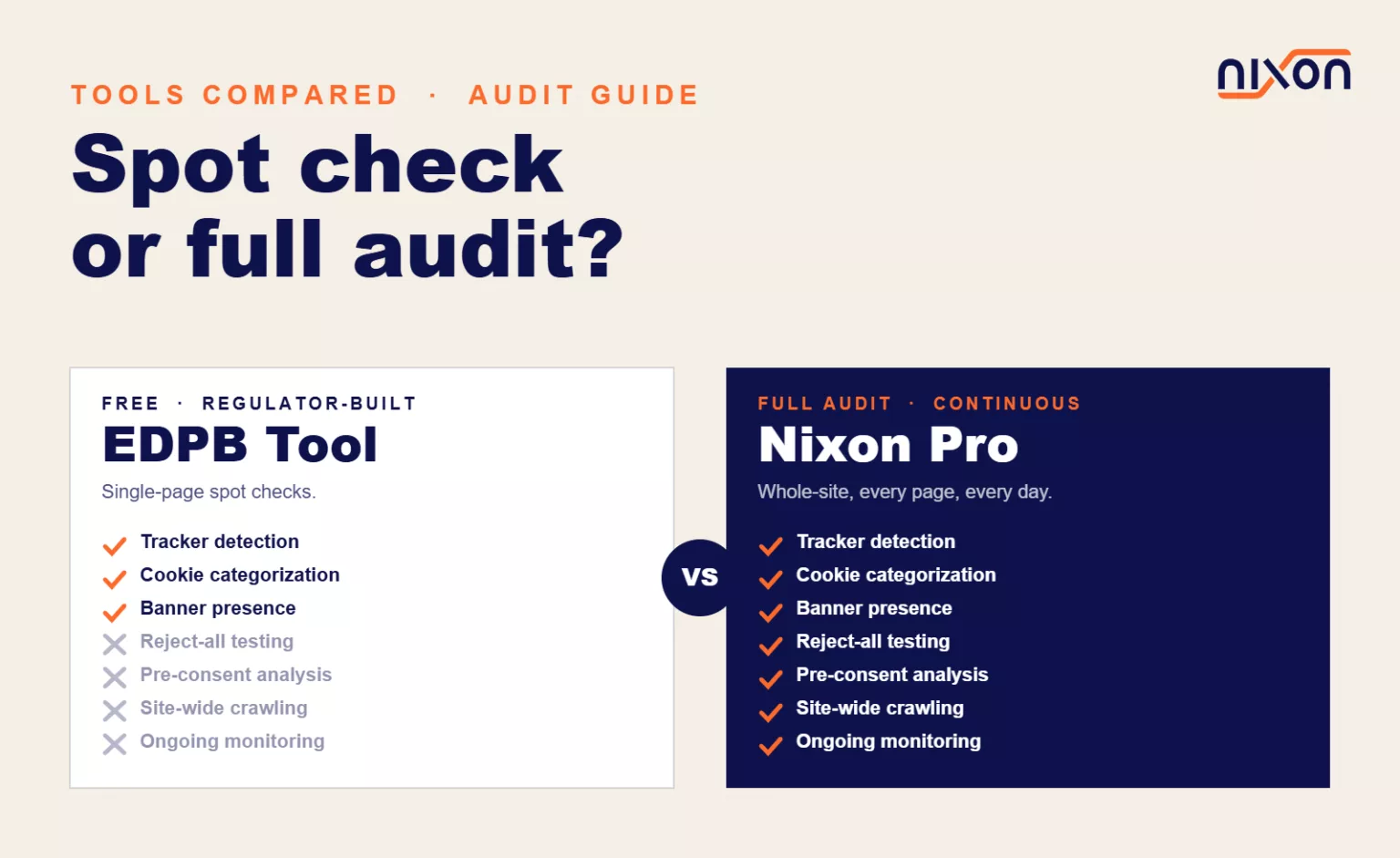
The European Data Protection Board published its own website auditing tool as part of a coordinated enforcement framework. It’s free, it’s regulator-built, and it’s now part of the compliance toolkit for DPOs and privacy engineers across Europe. Understanding what it does and doesn’t do helps you decide when to use it and when you need something more.
What the EDPB Website Auditing Tool Is
The EDPB has published guidance and tools to support website privacy audits as part of coordinated enforcement across national data protection authorities. Several DPAs identified consistent patterns of website non-compliance and developed shared resources to help. The result is a free, publicly available website auditor that focuses on the most common failures regulators find. The tool is available through the EDPB’s online resources.
Here’s what it actually does:
Single-page scanning. You paste in a URL, and the tool inspects that one page. It examines the HTML, scripts and cookies present at load time. It doesn’t crawl to other pages on the website.
Tracker detection. The tool identifies known advertising and analytics trackers using an open-source tracker list. Google Analytics, Meta Pixel, Hotjar, Yandex, and others are flagged. If a known tracker is present, it gets reported.
Cookie presence and categorization. The tool checks whether cookies are set and attempts to categorize them (analytics, marketing, functional, strictly necessary). This tells you whether the website is setting cookies without proper consent mechanisms in place.
Privacy policy link detection. It looks for a link to a privacy policy, typically in the footer. If found, it’s marked as present.
Cookie consent checking. The tool notes whether a cookie banner or consent notice appears on the page. It doesn’t evaluate whether the banner is legally sufficient, only whether something is there.
The output is structured and designed to be useful during a regulatory audit. A regulator can scan a batch of websites quickly and flag the most obvious problems.
What the EDPB Tool Does Well
It’s free. No subscription, no trial period, no email signup. This is valuable for organizations that need a quick spot check without cost.
It’s regulator-endorsed. The EDPB released this as official guidance. When a data protection authority asks what tools you used to verify compliance, being able to point to the EDPB’s own tool carries weight.
It catches common failures. For the 80% of websites with obvious issues, the tool finds them. If you’re not running any trackers and you have a visible cookie banner, the tool will pass you. If you’re running Google Analytics with no consent mechanism, it will flag you immediately.
The output is structured. You get a clear report: tracker detected, no consent present, cookie set, privacy policy missing. This makes it easy to hand off findings to a development team or include in an audit report.
It’s open-source based. The tool relies on components from open-source projects. You can trust the logic because it’s publicly reviewable.
Where the EDPB Tool Falls Short
The tool is purpose-built for regulators doing a quick assessment. That narrow focus means significant gaps for organizations trying to achieve deeper compliance.
No website crawling. The tool scans one URL only. If you’re auditing a 500-page website, you need to manually check each page. For a large website, this is not practical. Most compliance issues aren’t on the homepage; they’re buried in product pages, help sections and footer links.
No reject-all testing. The tool checks whether a consent banner exists and whether trackers are loaded. It doesn’t test whether clicking “Reject All” actually blocks those trackers. Many websites load trackers before the user even sees the consent banner. Many trackers fire even after rejection. The EDPB tool won’t catch this.
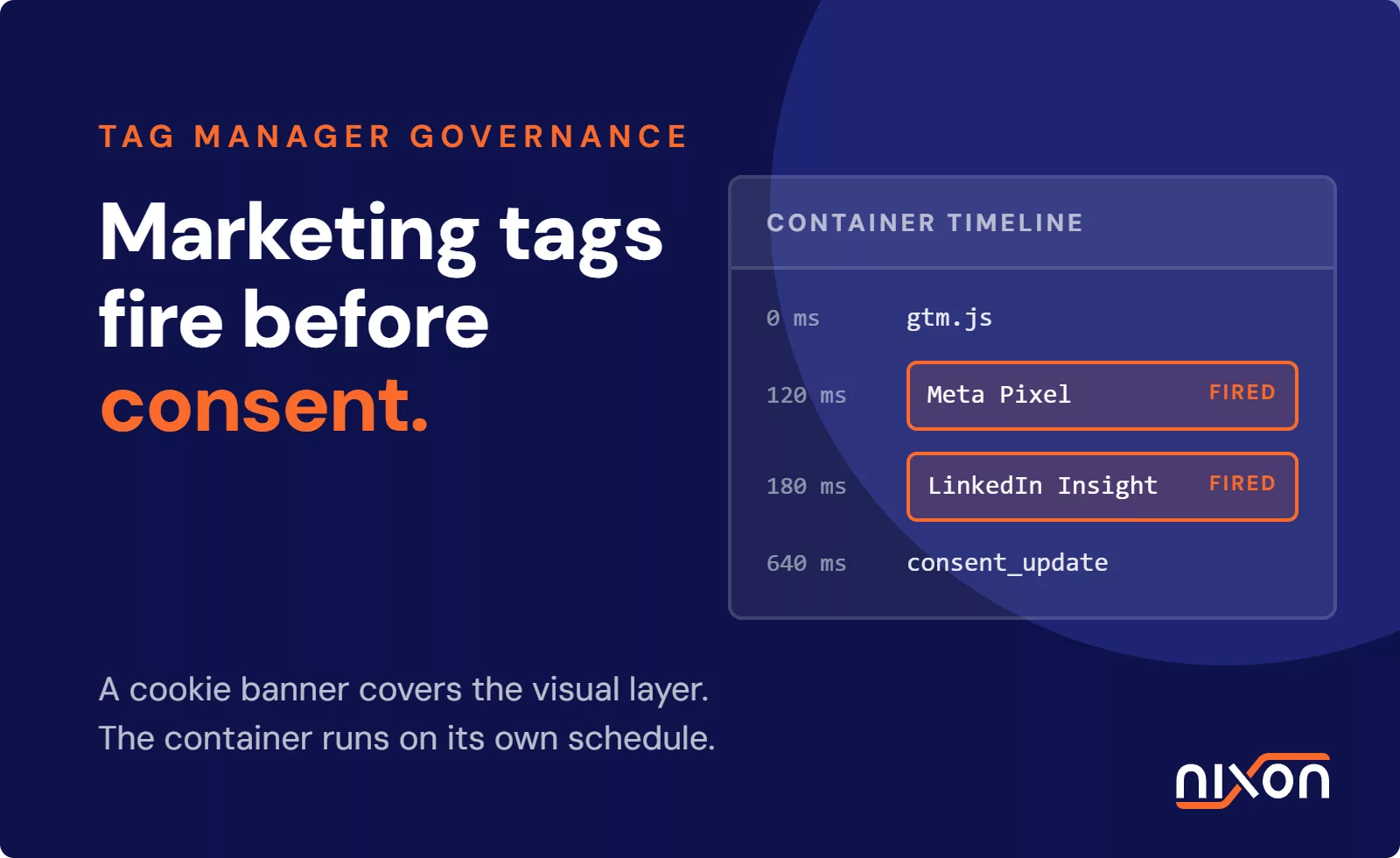
No pre-consent analysis. A critical compliance requirement under GDPR and most regional laws: you cannot load tracking scripts before the user gives consent. The EDPB tool loads the page normally and checks what’s present. It doesn’t perform the technical analysis needed to prove pre-consent tracking is (or isn’t) happening.
No privacy policy gap analysis. The tool checks whether a privacy policy link exists. It does not read the policy or compare it against the trackers actually running. A website might link to a privacy policy that doesn’t mention Google Analytics while Google Analytics is firing. The tool won’t flag this disconnect.
No ongoing monitoring. Once the scan completes, you have a snapshot. Next week, someone could add a new tracker, change the cookie banner, or remove the privacy policy link. The tool doesn’t track this over time.
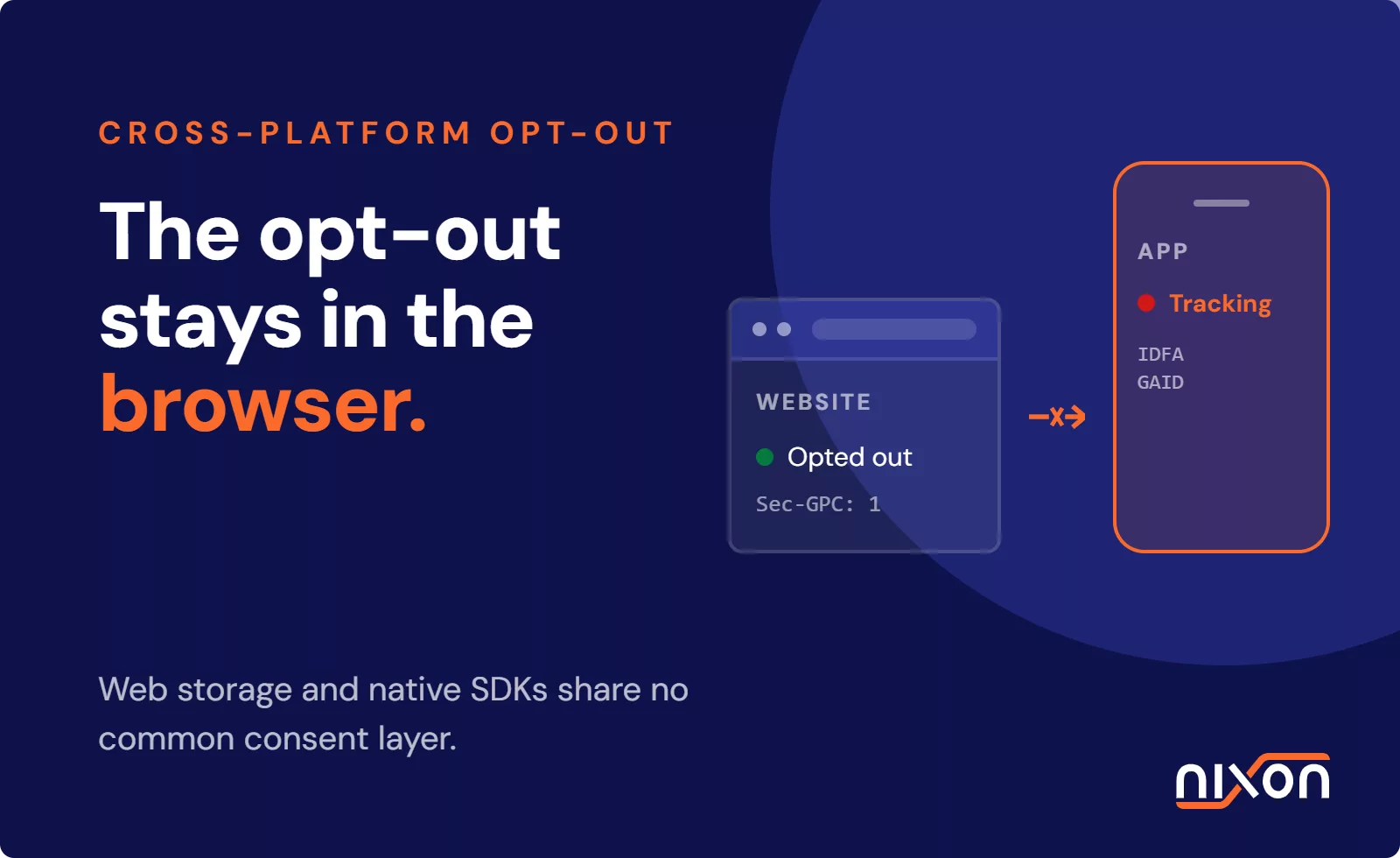
No GPC signal detection. The Global Privacy Control (GPC) is a browser signal that should be respected under GDPR and US state privacy laws. The EDPB tool doesn’t check whether your website recognizes or honors this signal.
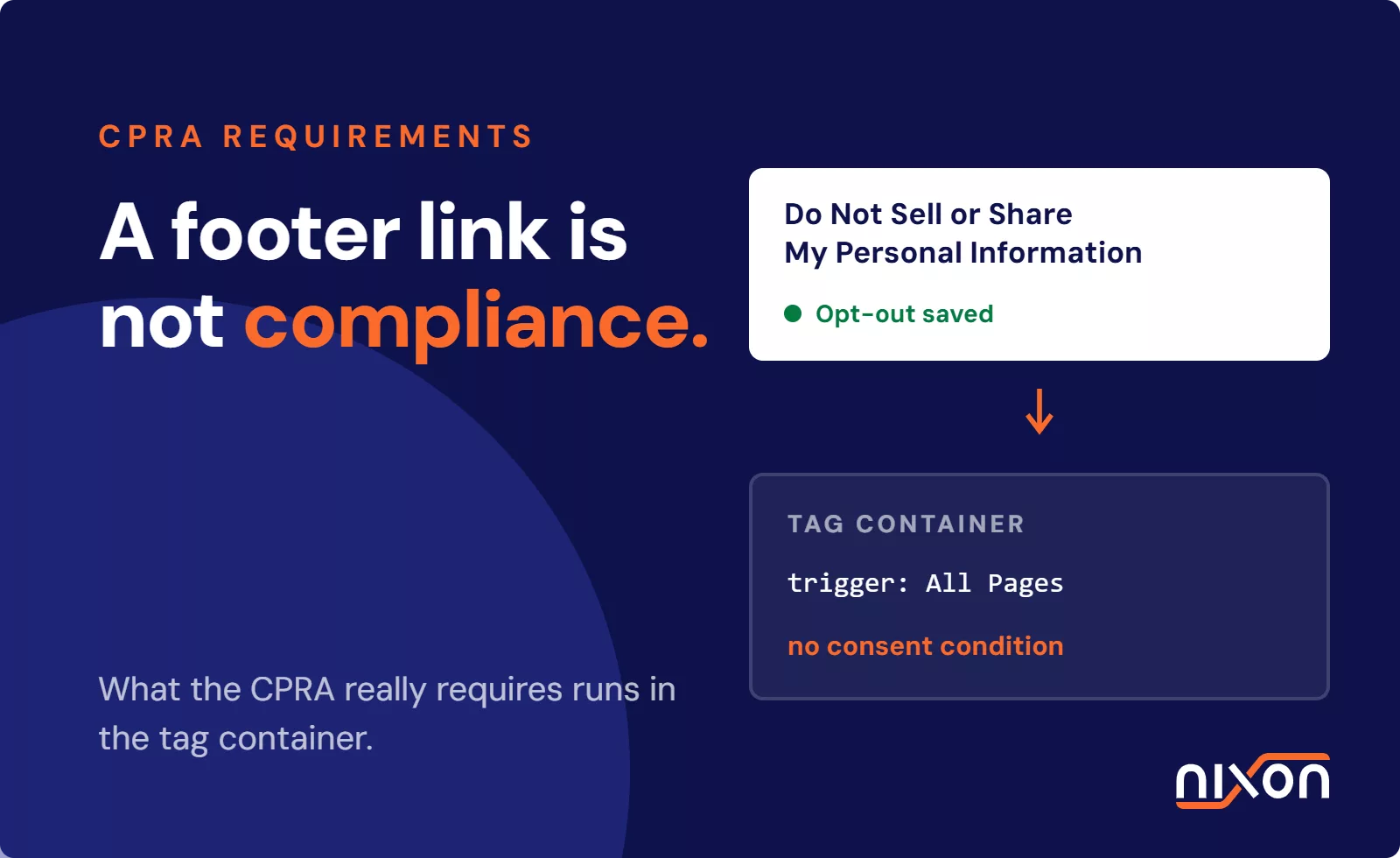
No Universal Opt-Out Mechanism testing. US privacy laws (CCPA, Colorado CPA, Virginia VCDPA and 11 other state laws) require recognition of Universal Opt-Out Mechanisms. This is becoming a legal obligation for websites handling US visitor data. The EDPB tool doesn’t test for UOOM compliance.
Browser-only scope. Like most scanning tools, the EDPB tool focuses on what happens in the browser. Server-side tracking that bypasses browser-level detection is outside its scope.
Nixon Pro: Purpose-Built for Full Website Audits
Where the EDPB tool focuses on quick spot checks, Nixon Pro is built for comprehensive compliance audits. Here’s how they differ:
Full-website crawling. Nixon Pro scans your entire website, following internal links across hundreds of pages. This catches trackers and compliance gaps that exist on secondary pages but not on the homepage.
Reject-all testing. Nixon Pro simulates a real user who clicks “Reject All” on the cookie banner, then measures what happens. Do scripts still fire? Do cookies still set? The tool reports exactly what gets blocked and what doesn’t.
Pre-consent tracking detection. Nixon Pro identifies scripts and trackers that load before the user interacts with the consent interface. This is a direct GDPR violation on most websites where it’s found.
Privacy policy gap analysis. The tool compares your privacy policy text against the trackers actually running on your website. If Google Analytics is firing but your privacy policy doesn’t mention it, Nixon Pro flags the gap.
Ongoing monitoring. Set up automated scans on a schedule. Track changes over time. Get alerts if a new tracker appears or if a privacy policy disappears.
GPC signal recognition testing. Nixon Pro checks whether your website properly recognizes and respects the Global Privacy Control signal. This is increasingly expected by regulators.
Multi-page scope with tracking context. Nixon Pro identifies what loads before and after consent across your entire website, giving you the full picture rather than a single-page snapshot.
Nixon Pro does everything the EDPB tool checks for, plus all of this additional depth. Note that like the EDPB tool, Nixon Pro focuses on what happens in the browser – server-side tracking that bypasses the browser is outside the scope of either tool.
When to Use Each Tool
Use the EDPB tool when:
You need a quick, free spot check of a single page. This is useful when you’ve made a specific fix and want to verify that one page looks clean without waiting for a full scan.
You’re preparing for a regulatory audit and want to understand what a data protection authority will see when they visit your website. Run the EDPB tool on your key pages to anticipate the regulator’s findings.
You’re documenting compliance efforts for a privacy report. Being able to say you’ve scanned your website with the official EDPB tool adds credibility.
You’re checking a competitor’s or partner’s website and only need a surface-level assessment.
Use Nixon Pro when:
You’re conducting a full website compliance audit. You need to know what’s happening across your entire digital property, not just the homepage.
You need to test whether your cookie consent actually works. Reject-all testing reveals gaps that user complaints might otherwise surface months later.
You’re building ongoing compliance processes. Monitoring tracks changes and automated alerts help your team respond to new issues quickly.
You need to support CCPA, state privacy laws, or international regulations beyond GDPR. Nixon Pro’s testing covers multiple frameworks.
You need to demonstrate compliance over time for internal stakeholders or external auditors. A series of clean scan reports is stronger evidence than a single snapshot.
You’re handling sensitive user data and need confidence that trackers are properly blocked before consent. The pre-consent analysis is essential for high-risk compliance contexts.
The Balanced Take
The EDPB’s tool is genuinely useful for what it was designed to do. It’s free, it’s official, and for basic spot checks it gets the job done. If every website complied at the level the EDPB tool checks for, privacy enforcement would look very different.
But the tool is a regulator’s first-pass screen, not a comprehensive audit. It’s a starting point, not a finish line. Organizations serious about compliance need the deeper analysis that Nixon Pro provides. That’s not a criticism of the EDPB; it’s an acknowledgment that quick checks and comprehensive audits serve different purposes.
For most DPOs and privacy engineers, the answer isn’t either/or. It’s both: use the EDPB tool to understand what regulators see at a glance and use Nixon Pro for the full picture your compliance program actually needs.
To see how Nixon Pro compares to other privacy scanners and auditing approaches, check our guide on website privacy scanner comparison. If you’re evaluating tools, it helps to see the full landscape.
For questions about how to set up ongoing monitoring or how Nixon Pro’s testing works for your specific regulatory context, get in touch.
Related reading: Cookie banner audit: does your banner actually work? | Website privacy audit checklist
Frequently Asked Questions (FAQ)
What does the EDPB website auditing tool actually check?
The EDPB tool scans a single page and checks for known trackers, cookie presence, whether a privacy policy link exists, and whether a consent banner appears. It’s free, regulator-endorsed, and useful for quick spot checks. It does not test whether your consent mechanism actually works, whether trackers load before consent, or whether your privacy policy matches what’s really running on your site.
Does clicking "Reject All" on my cookie banner actually stop tracking?
On many websites, it doesn’t – and the EDPB tool won’t catch this. Nixon Pro tests this specifically by simulating a user who clicks “Reject All” and then measuring whether scripts still fire and cookies still get set. Many websites fail this test without knowing it.
What is pre-consent tracking and why does it matter?
Pre-consent tracking means scripts and trackers load before the user has interacted with the consent banner at all. This is a direct GDPR violation on most websites where it occurs. The EDPB tool loads the page normally and checks what’s present – it does not perform the technical analysis needed to detect this. Nixon Pro does.
When should I use the EDPB tool versus Nixon Pro?
Use the EDPB tool for quick, free spot checks on a single page – for example, to anticipate what a regulator would see or to verify a specific fix. Use Nixon Pro when you need a full audit across your entire website, want to test whether your consent mechanism actually works, or need ongoing monitoring that alerts you when something changes.
Can one tool replace the other?
No – and for most DPOs and privacy engineers, the answer isn’t either/or. The EDPB tool tells you what regulators see at a glance. Nixon Pro gives you the full picture your compliance program actually needs: crawling across hundreds of pages, reject-all testing, pre-consent analysis, privacy policy gap detection, and continuous monitoring over time.