
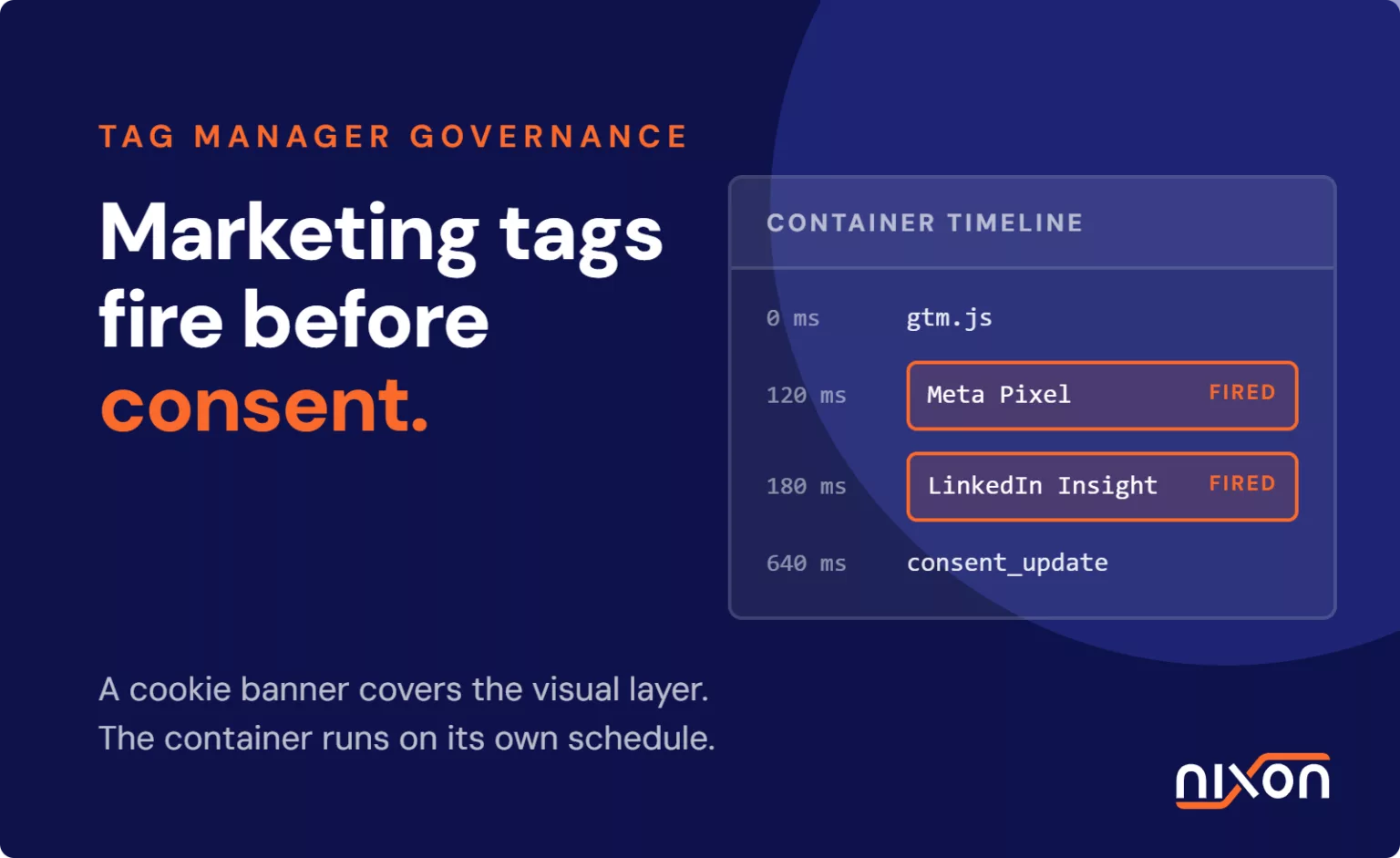
Tag manager consent governance is the technical practice of controlling exactly when, how and under what legal permissions third-party marketing tags fire within your website containers. It ensures no advertising or analytics pixels execute before a visitor grants explicit consent. Installing a cookie banner satisfies only the visual layer of privacy compliance. In our audits, we routinely see containers like Google Tag Manager fire adtech pixels on initial container load. They broadcast visitor identifiers across advertising networks before any consent prompt receives an answer. Without strict governance rules binding tag triggers to verified consent states, an organisation maintains only the illusion of compliance while leaking personal data on every visit.
The breakdown between CMPs and tag manager containers
A consent management platform (CMP) renders the banner, records visitor choices and writes the resulting state to local storage, but it does not police the rest of the page. Without an explicit blocking architecture configured by your developers, your tag management container operates entirely on its own schedule.
Default container triggers versus CMP events
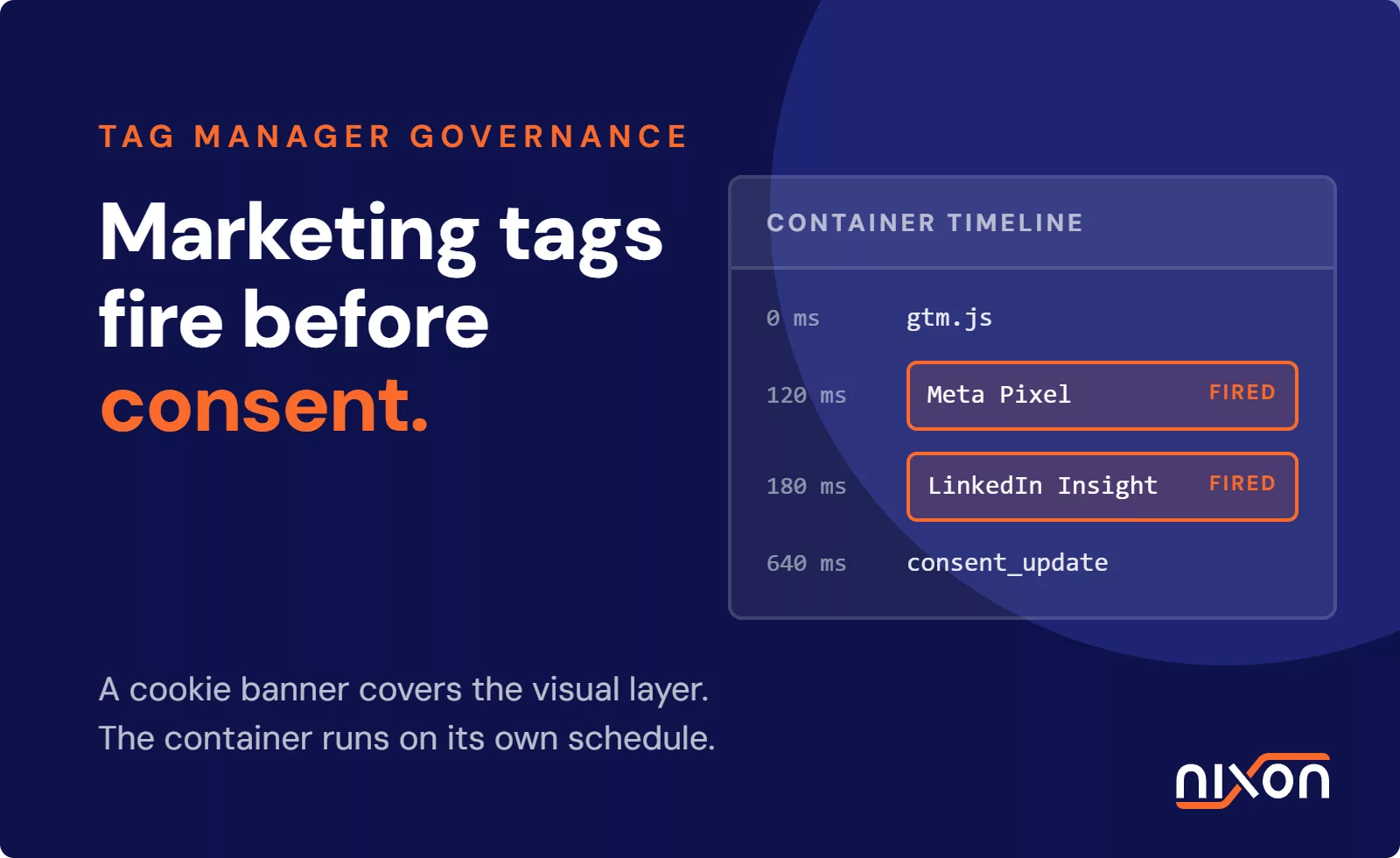
Google Tag Manager and similar platforms rely on standard document timeline events. These trigger points include Initialization, Page View, DOM Ready and Window Loaded. When a browser requests a page, the tag manager downloads and evaluates Page View tags immediately. In contrast, the CMP script must download, read existing storage, render UI components and calculate the user consent model. Network latency and script execution speeds vary widely. Standard container triggers almost always fire before the CMP emits an event like onetrust_consent_update or pushes state into the dataLayer. Consequently, marketing tags execute in that timing gap without valid permission.
Why client-side marketing tags ignore banner status
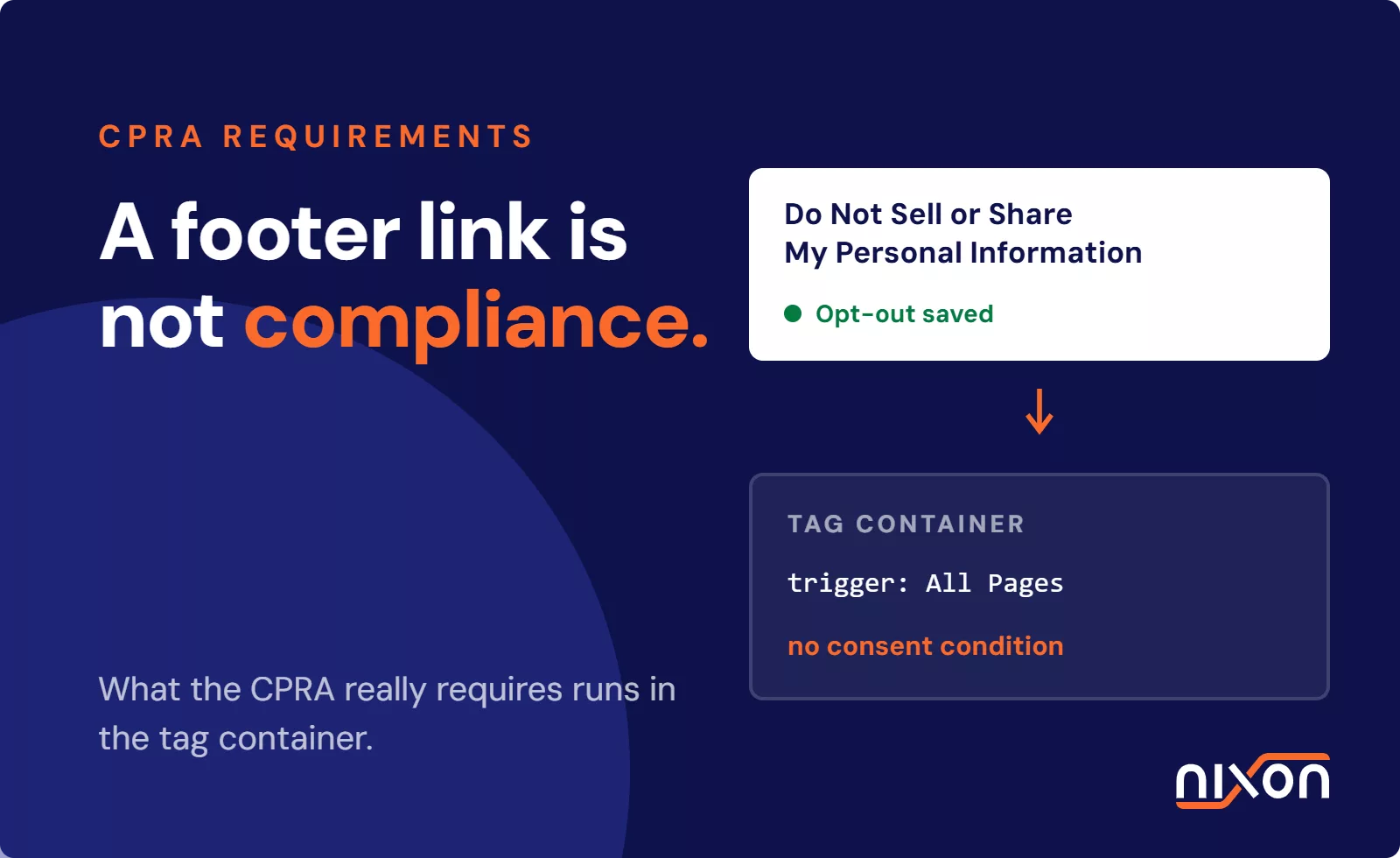
Marketing tags inside a container are basic JavaScript snippets built to establish fast vendor connections. A Meta Pixel, TikTok script or LinkedIn Insight Tag never checks the DOM for an overlay banner. It executes immediately once its trigger condition evaluates to true. If a marketer sets a tag to fire on All Pages without a consent variable, it fires right away. An unaccepted banner provides zero technical control over asynchronous tag manager queues. Digital teams must establish a clear protocol to remove third-party trackers from your website when vendor scripts bypass container boundaries.
How adtech tags leak personal data before explicit consent
Adtech vendors design scripts to collect user signals instantly to maximize attribution accuracy. When an unmanaged tag fires before consent, it never waits for user interaction. The script immediately dispatches HTTP GET or POST requests directly to third-party ad servers. Under Article 4 of the GDPR and modern US privacy laws like the CCPA, the payloads inside these initial requests constitute personal data.
Network requests and IP address harvesting
Every browser HTTP request exposes the visitor public IP address to establish the TCP connection. Along with the IP address, these calls send full request headers, user-agent details, screen dimensions and referrer URLs. Reviewing what third-party tracking actually transmits shows how ad networks build persistent device fingerprints from these parameters alone. For example, when a visitor views an e-commerce product, an unconsented Meta pixel transmits the user IP address and exact URL path. Regulators actively enforce against this unauthorized transmission. Both the statutory ICO guidance on cookies and similar technologies and the CNIL guidelines on cookies and trackers state that setting tracking cookies or harvesting device data prior to affirmative consent violates the law.
The illusion of consent mode defaults
Many marketing teams assume frameworks like Google Consent Mode v2 eliminate the need for container governance. This assumption creates substantial compliance exposure. In an advanced setup, Consent Mode still allows Google tags to send connection pings before user interaction. While these pings omit conventional cookie IDs, they still transmit the IP address, user-agent data and query parameters to Google endpoints. Furthermore, native Consent Mode applies only to supported Google tags. Third-party tags for Meta, Pinterest, LinkedIn or TikTok ignore these signals completely unless your container enforces hard blocking rules. Relying on default framework signals leaves major adtech scripts unregulated.
How to configure tag manager consent governance in your container
Stopping data leaks requires moving from passive tag deployment to active tag governance. An enterprise container must treat consent as a strict prerequisite rather than an optional flag. This requires precise trigger architecture, systematic category mapping and centralized workspace permissions across your digital properties.
Consent initialization and trigger sequencing
The first step in tag governance is replacing generic Page View triggers with explicit consent milestones. In Google Tag Manager, the Consent Initialization trigger fires before all other container triggers. You must reserve this trigger exclusively for tags that set up your privacy framework. These include CMP loaders and initial consent declarations. All analytical and advertising tags must bind to custom event triggers that fire only after consent confirmation. Rather than firing on gtm.js, marketing pixels must wait for custom dataLayer events like consent_accepted_marketing. You should also activate container-wide Consent Settings on every individual tag to demand explicit consent checks before execution.
OneTrust CMP integration and tag firing rules
If you run OneTrust, map your container triggers directly to OneTrust category IDs instead of relying on default tag settings. Our OneTrust cookie consent setup checklist details how to map category identifiers directly into tag firing exceptions. OneTrust groups scripts into functional categories: strictly necessary (C0001), performance and analytics (C0002), functional (C0003), and targeting or advertising (C0004). Within your tag manager, create a dataLayer variable that reads the OnetrustActiveGroups string. Configure trigger exceptions that block advertising tags unless C0004 appears in that string. This setup guarantees that the container suppresses marketing scripts until the visitor explicitly opts in.
Automated container change audits
Governance breaks down if marketing teams publish new pixels without technical review. Tag managers require strict role-based access controls. Marketers can build tags within discrete development workspaces, but publication rights must stay with administrators who verify consent settings. Enterprise teams should also adopt automated container audits. Routine reviews of container export JSON files systematically catch tags missing consent category assignments or using generic triggers. This practice keeps unauthorized scripts out of production.
Testing and verifying your tag container in the browser
Verifying tag governance requires inspecting real network activity rather than relying solely on tag manager preview panels. Preview panels often report that a tag stayed silent, while background workers or third-party libraries still dispatched tracking beacons. Inspecting network logs directly inside browser developer tools provides concrete proof of compliance.
How to audit tag container network requests in developer tools
Follow these steps to audit your container execution in the browser:
- Open a fresh browser window in incognito mode with all cache, cookies and local storage cleared.
- Launch Developer Tools and open the Network tab before entering your website URL.
- Filter the log by Fetch/XHR and JS requests, or filter for ad domains like
doubleclick.netandfacebook.com/tr/. - Load the page URL and leave the cookie banner untouched.
- Review the network activity to verify that zero analytics or adtech requests appear before you interact with the banner.
In a compliant setup, no tracking requests execute. If outgoing calls show user screen sizes, full URLs or client IDs before you click Accept, your container sequencing is broken.
Validating CMP state updates across subsequent pageviews
Once initial pageviews remain completely silent before consent, test banner interactions. If you click Accept, inspect the Network tab to confirm that approved tags fire cleanly alongside the CMP dataLayer event. Next, perform the inverse check. Clear your browser storage, refresh the page, and select Reject All. Navigate across multiple subpages, single-page application route transitions and anchor links. Check the Network tab during every navigation step. Confirm that advertising tags stay blocked and that the container never reverts to default triggers during internal route changes.
Manual browser checks catch leaks early, but maintaining strict tag manager consent governance across dozens of tags and workspaces requires dedicated technical oversight. If you want to eliminate pre-consent tracking leaks and audit your setup, our team can help with your OneTrust implementation.
Frequently Asked Questions (FAQ)
What is tag manager consent governance?
Tag manager consent governance is the technical configuration that controls when and how scripts execute inside containers like Google Tag Manager. It binds tag triggers directly to user consent choices, preventing analytics and advertising pixels from running or collecting visitor personal data before explicit permission is recorded.
Why do marketing tags fire before CMP consent is granted?
Marketing tags frequently fire early because tag managers execute default Page View triggers before the consent platform can load and evaluate user preferences. Without explicit trigger exceptions and custom consent events, third-party scripts execute automatically on initial page download without waiting for the banner decision.
How does OneTrust integrate with Google Tag Manager?
OneTrust integrates with Google Tag Manager by pushing consent status events and active group strings into the dataLayer. Container tags use these active groups, such as C0002 for analytics or C0004 for targeting, as mandatory trigger conditions and blocking exceptions to control script execution.
Does Google Consent Mode v2 eliminate the need for tag governance?
No, it does not. Advanced Consent Mode still transmits connection pings carrying IP addresses and metadata prior to consent, and its protocols apply exclusively to Google tags. Third-party adtech pixels still require manual trigger governance to prevent unauthorized data transmission on first load.
How do you audit tags that bypass the consent banner?
You audit tags by opening an incognito browser window, clearing all local storage, opening the Network tab in Developer Tools, and loading the website without clicking the banner. Any outgoing network requests to third-party marketing domains before user interaction reveal unconsented tag leaks.