

Understanding what third-party tracking is becomes essential when managing website compliance. When a user visits a website, their browser loads more than just the visible content. Behind the scenes, scripts from external domains connect to servers owned by other companies. These scripts collect data to build a detailed profile of the user’s activity across the web. This process happens silently, often without the user’s explicit knowledge or meaningful consent.
What is third party tracking?
Third-party tracking involves placing external scripts, cookies, or pixels on a website to monitor visitor behavior. These elements are not hosted on the website’s own domain. They are served by external vendors like Google, Meta, or various advertising networks. Their purpose is to gather data not just for the website owner, but primarily for the third party’s own analytics or advertising purposes. They often aggregate that data across thousands of different websites.
The definition of a third-party tracker
A third-party tracker is any resource loaded from a domain other than the one the user is currently visiting. This can include analytics scripts like Google Analytics or advertising pixels like the Meta Pixel. It also includes social media widgets or even custom fonts loaded from a central server. Each time one of these resources loads, it can read or write cookies and send information back to its own servers. This information includes the user’s IP address, browser details, and the specific page they are viewing.
How tracking differs from first-party activity
First-party activity is managed directly by the website owner. For example, a first-party cookie might remember a user’s login status or items in their shopping cart. This data is used exclusively to improve the user’s experience on that specific website. It is not shared with other companies. In contrast, third-party tracking is designed to follow users from one website to another, creating a cross-site profile. While both use similar technologies, understanding what cookies do on a website reveals the critical difference in purpose and data ownership.
How third-party tracking works in practice
The mechanics of third-party tracking rely on standard web technologies executed by the user’s browser. These methods work together to create a persistent and detailed record of online behavior. This often happens without any visible indication to the user that data collection is occurring. The process is technical, but the core principles are straightforward.
The mechanism of third-party cookies
When you visit a website that includes a “Like” button from a social media platform, that button is an element loaded from the social media company’s servers. As it loads, it can place a cookie in your browser. This cookie contains a unique identifier. When you later visit another website with a “Like” button from the same company, its code can read the existing cookie. This allows the third party to know that the same browser visited both websites, linking your activity across otherwise unrelated domains.
Tracking scripts and invisible pixels
JavaScript tracking scripts are small programs that run in the user’s browser when a page loads. These scripts can monitor a wide range of actions, such as mouse movements, clicks, scrolling behavior, and form submissions. The collected data is then sent back to the third-party’s servers. Invisible pixels, also known as tracking pixels or web beacons, are tiny, transparent 1×1 pixel images. They are embedded in a webpage or email. When the browser loads this image, it sends a request to the third-party server, confirming the page was viewed and transmitting user information.
Browser fingerprinting and network requests
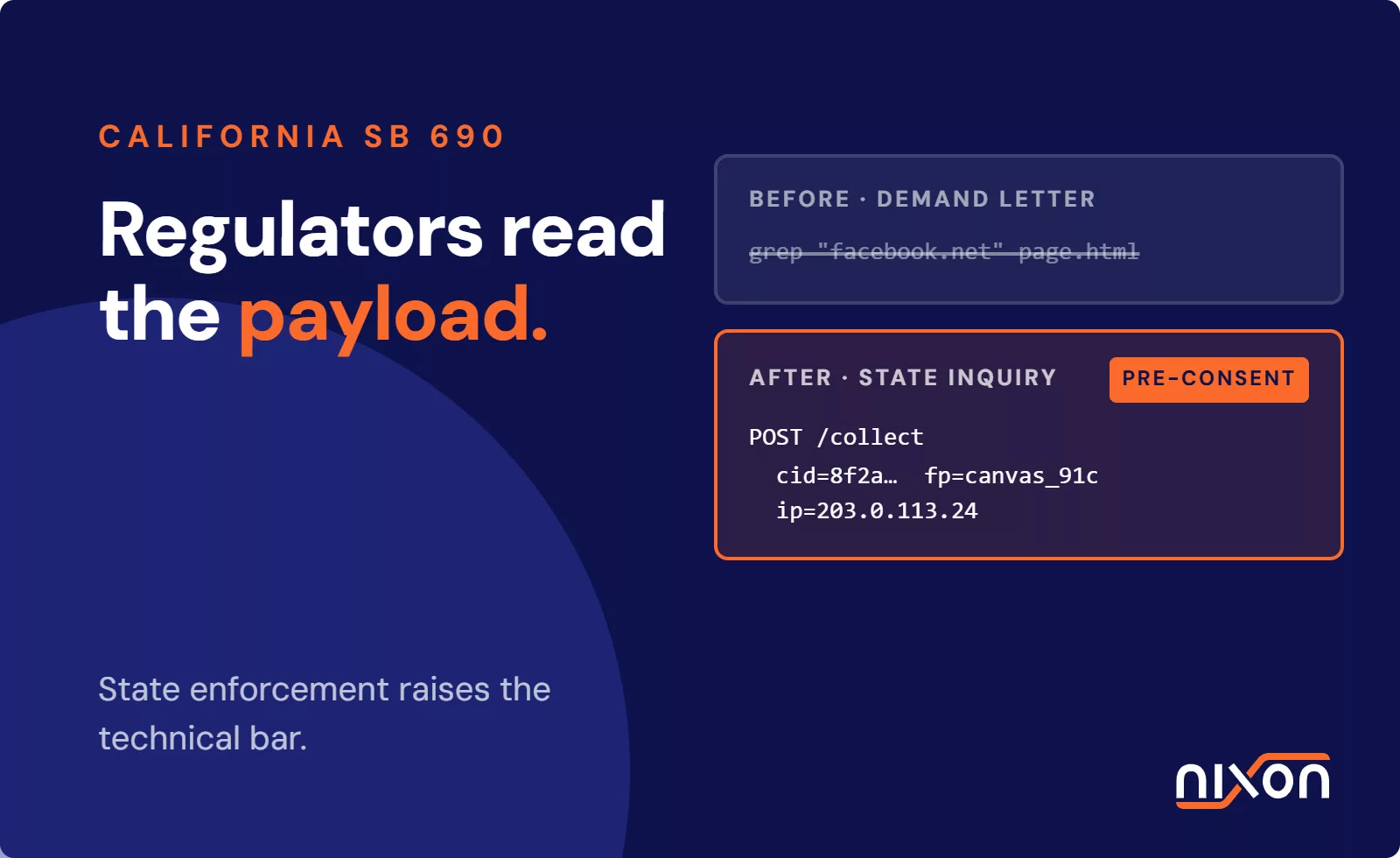
As browsers have started to block third-party cookies by default, trackers have adapted. Browser fingerprinting collects a large set of details about a user’s device configuration. This includes screen resolution, installed fonts, browser version, and plugins. This combination is often unique enough to identify a user without relying on cookies. Every network request made to load an external resource also inherently sends the user’s IP address, which provides geographic location data. Effective third-party tracker detection must look beyond cookies to identify these alternative methods.
Why organizations deploy third-party trackers
Trackers are rarely malicious, they are business tools. Marketers deploy them to hit commercial targets, often without a full understanding of the compliance liability they create for the organization. These tools provide data that helps organizations understand their audience and measure the effectiveness of their digital campaigns. However, this functionality comes at the cost of exporting visitor data to external entities.
Behavioral advertising and targeting
The primary use case for third-party tracking is behavioral advertising. By tracking a user’s browsing history, advertisers can build a profile of their interests, demographics, and purchasing intent. For example, if a user visits several websites about hiking, trackers will log this interest. Advertisers can then target that user with ads for hiking equipment on completely different websites, such as a news portal or social media feed. This makes advertising more relevant and, in theory, more effective.
Audience analytics and performance measurement
Beyond advertising, trackers are necessary for website analytics. Tools like Google Analytics allow website owners to see how many people visit their pages, which content is most popular, and how users navigate through the website. For marketing teams, trackers help with conversion attribution. They can determine whether a sale resulted from a click on a search ad, a social media post, or an email campaign. This is essential for calculating return on ad spend.
The privacy implications and GDPR compliance requirements
While third-party tracking offers business benefits, it also creates significant privacy risks and legal obligations. Regulations like the GDPR and the ePrivacy Directive (Directive 2002/58/EC) in Europe, along with the California Consumer Privacy Act (CCPA) in the US, place strict rules on how organizations can collect and process personal data. These rules apply directly to trackers.
The legal requirement for active consent
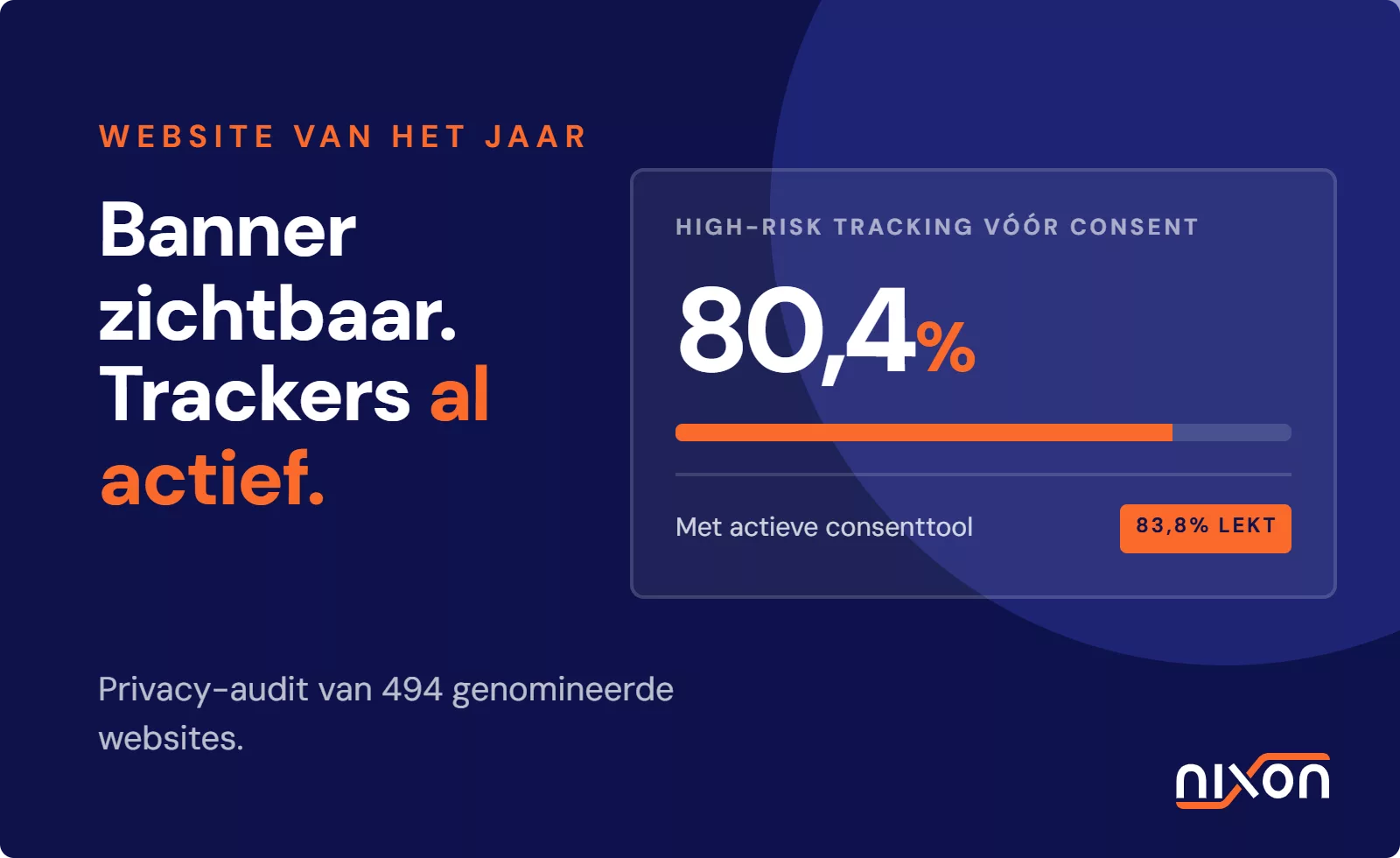
Under the GDPR, placing any non-essential cookie or firing a tracking script requires the user’s prior, active, and explicit consent. This means a website cannot load advertising or analytics trackers until the visitor has clicked “Accept” on a compliant cookie banner. According to the EDPB guidelines on consent, continuing to browse a website does not count as consent. The consent mechanism must be clear, and it must be just as easy to reject trackers as it is to accept them. Loading trackers before or despite a user’s rejection is a direct violation, a problem we found is still widespread in our research on tracking before consent.
Data controller responsibility for third-party scripts
A common misconception is that the third-party vendor is solely responsible for the data their scripts collect. In our audits, we consistently see companies making the mistake of assuming the vendor is solely responsible. This is a costly error. Courts and data protection authorities have consistently ruled that the website owner is the data controller (or joint controller) for all data processing on their domain. Understanding what third-party tracking is and how it functions on your domain is the first step, so you must learn how to remove third-party trackers from your website that do not meet legal standards.
To protect user privacy and avoid regulatory penalties, organizations must audit their pages and map every external script. If you are unsure which third-party scripts are running on your domain, you can check your trackers with Nixon Pro to get a clear overview of your compliance status.
Frequently Asked Questions (FAQ)
What do cookies do on a standard website?
On a standard website, cookies perform essential functions. First-party cookies remember user preferences, login status, and items in a shopping cart to ensure a smooth experience. Third-party cookies, set by external services like ad networks, are used for tracking user behavior across different websites to build profiles for targeted advertising and analytics.
How does a third-party tracker differ from a first-party cookie?
A first-party cookie is set by the website you are directly visiting and is used only for that site's functionality. A third-party tracker is set by a different domain, such as an advertising network, embedded on the site. Its purpose is to follow you across multiple websites, collecting data about your browsing habits for cross-site advertising and analytics.
Is third-party tracking illegal under the GDPR?
Third-party tracking is not inherently illegal, but it is strictly regulated under the GDPR. It is only lawful if the website obtains explicit, active, and informed consent from the user *before* any trackers are loaded. Tracking without or before valid consent is a violation of the regulation, leading to significant fines. The responsibility for obtaining this consent lies with the website owner.
Can a website run third-party scripts without cookies?
Yes. While cookies are a common method, third-party scripts can track users without them. Techniques like browser fingerprinting collect unique device settings (screen size, fonts, plugins) to identify a user. Furthermore, every request a script makes to an external server automatically sends the user's IP address, which provides location data and can be used for tracking.
How do I find out what third-party tracking is active on my site?
You can identify third-party trackers by using your browser's developer tools to inspect network requests and storage. Look for requests and cookies associated with domains other than your own. For a more comprehensive and automated analysis, specialized tools can scan your website to map all cookies, scripts, and pixels, identifying which ones are firing before user consent is given.