

If your organization uses OneTrust or another consent management platform/ cookie banner, you have already taken a serious step toward privacy compliance. But real confidence comes from OneTrust consent validation: confirming that a well-implemented cookie banner not only collects consent and stores preference records, but also ensures user choices are actually respected across your website.
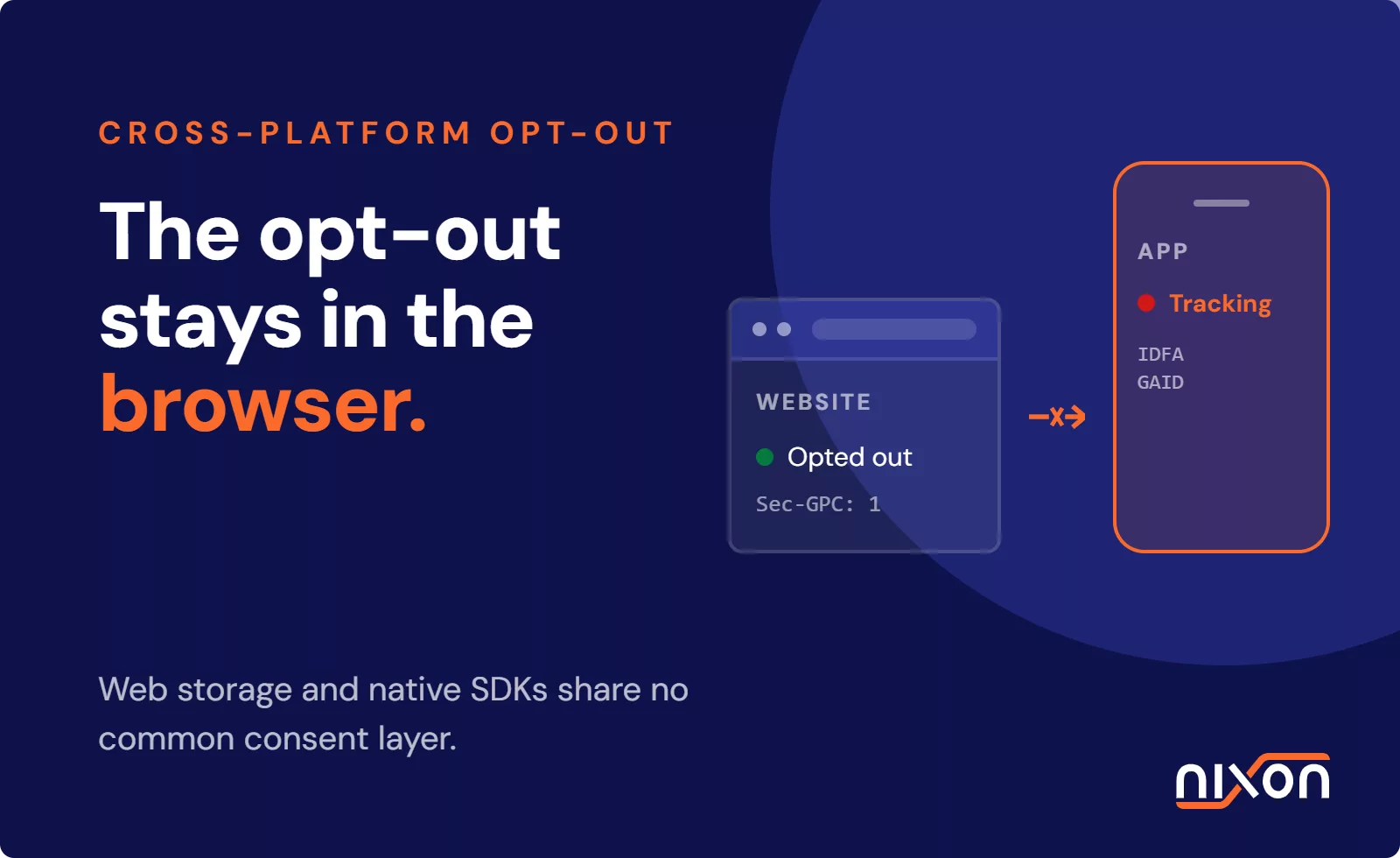
In February 2026, Disney agreed to a $2.75 million settlement with the California Attorney General, described as the largest CCPA settlement to date. Disney had privacy controls in place: opt-out options, webforms, and Global Privacy Control signals were visible to users. What failed was enforcement: opt-out choices were not applied consistently across services and devices. While this case is CCPA opt-out (not EU consent), the pattern is the same: mechanisms can exist, but enforcement can still break.
The infrastructure existed, but the organization could not reliably prove that user choices were enforced end-to-end. This is the gap that catches organizations off guard, and it is exactly the gap that Nixon Digital was built to close.
Learn why OneTrust consent validation is the next step toward provable privacy compliance.
What a Consent Management Platform (CMP) is designed to do
Platforms like OneTrust are built to solve a specific, well-defined problem: collecting and documenting user consent in a legally defensible format. As a certified OneTrust implementation partner, Nixon Digital works with this technology daily, and we have a lot of respect for what it does well.
- Present users with a clear, structured consent banner
- Record consent choices with timestamps and version information
- Communicate preferences to your tag management system
- Support compliance documentation for auditors and regulators
These are genuinely valuable capabilities. The challenge is not the platform itself. The challenge is the gap between what the platform records and what your website actually does, plus the governance around change: ownership, release checks, and vendor control.
The gap most teams do not see until it is too late
Here is a story most teams recognize:
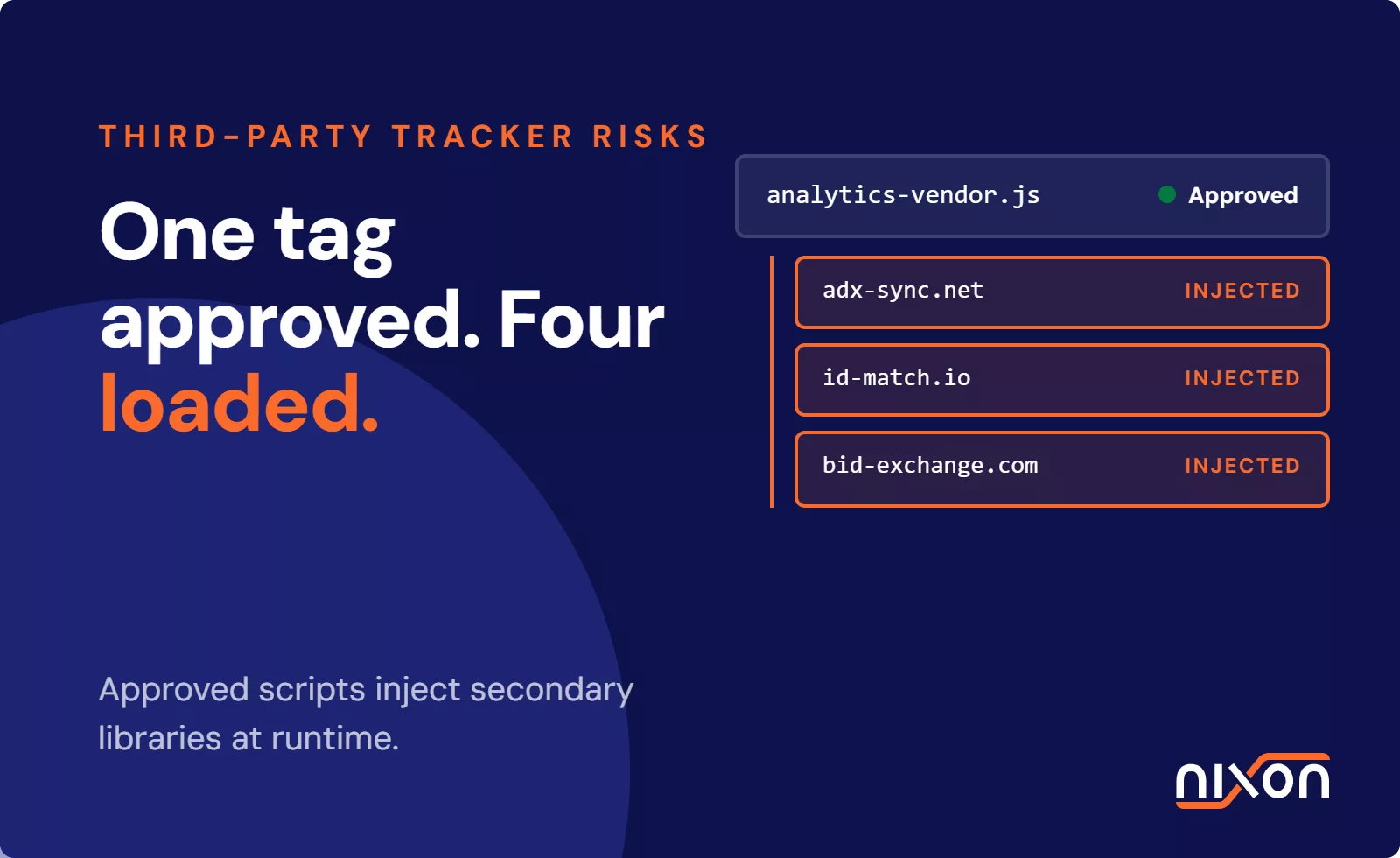
You roll out a new cookie banner. Legal is happy, marketing can keep measuring conversions and everyone moves on. Then, a few weeks later, someone adds a new plugin, embeds a video, or launches a campaign tag. Suddenly, a tracker fires before consent. Nobody notices because the banner still looks perfect.
That gap between “it looks compliant” and “it behaves compliant” is where most cookie trouble starts. And it shows up in three consistent patterns.
Configuration drift
Most organizations configure their cookie banner at launch and revisit it infrequently, or never. Meanwhile, their website keeps evolving, and scripts that were never added to the CMP fire on every page load regardless of what the user consented to.
Consent without enforcement
Compliance that drifts over time
Regulators such as the Dutch DPA (Autoriteit Persoonsgegevens), the UK’s ICO, and France’s CNIL increasingly assess real website behavior in practice, not just what documentation or configurations claim.
What OneTrust consent validation actually looks like
Effective consent validation of your cookie banner means scanning your website the way a regulator or auditor would, and asking one simple question: are tracking technologies firing before users have given consent?
- Whether cookies are set on first page load before any consent interaction
- Whether rejecting consent actually prevents tracking scripts from running
- Whether third-party integrations respect the consent signals your CMP sends
- Whether recent website changes have introduced new uncategorized trackers
Why external validation of your OneTrust setup is needed
Nixon Pro is not a replacement for your cookie banner. It is the consent verification layer that sits alongside it.
While your cookie banner sets the consent logic, Nixon Pro verifies whether consent choices are actually respected across key pages, tag deployments, and third-party integrations.
- Which third-party trackers and cookies load on your website
- Whether any scripts fire before consent is granted
- Whether “reject all” actually works the way it should
- What changed since the last scan that could affect compliance
The result is a clear, structured report you can share with marketing, legal, web, or your agency. You move from “we installed a CMP” to “we can prove it works.”
For organizations managing a larger website portfolio, the Nixon Platform extends this across all your domains automatically, catching drift the moment it happens.
Think of it this way: OneTrust sets the rules. Nixon verifies that the rules are actually followed.
Is your cookie banner actually enforcing consent?
The question for your organization is not whether you have a CMP. Most do. The question is: can you verify that it is working correctly right now, across every page, every integration, and every device?
That is exactly what Nixon Pro answers. Try a free scan here for OneTrust consent validation and see what your website is actually doing before and after consent.
Is your cookie banner actually enforcing consent?
Is your cookie banner actually enforcing consent?
Check your OneTrust or other cookie banner setup for privacy compliance
- 1 minute
- Built for compliance
- For any cookie banner

Frequently Asked Questions about OneTrust consent validation
Does OneTrust make my website GDPR compliant?
What is the difference between consent collection and consent enforcement?
Why do companies still get fined even though they have a CMP?
How often should I audit my consent implementation?
What does Nixon Pro add to an existing OneTrust setup?
Nixon Pro runs automated daily scans of your website to verify that your consent configuration is working as intended. It detects scripts loading before consent is granted, cookies that persist after rejection, and third-party trackers that bypass your CMP. It does not replace OneTrust. Nixon Pro validates that OneTrust is doing its job correctly.