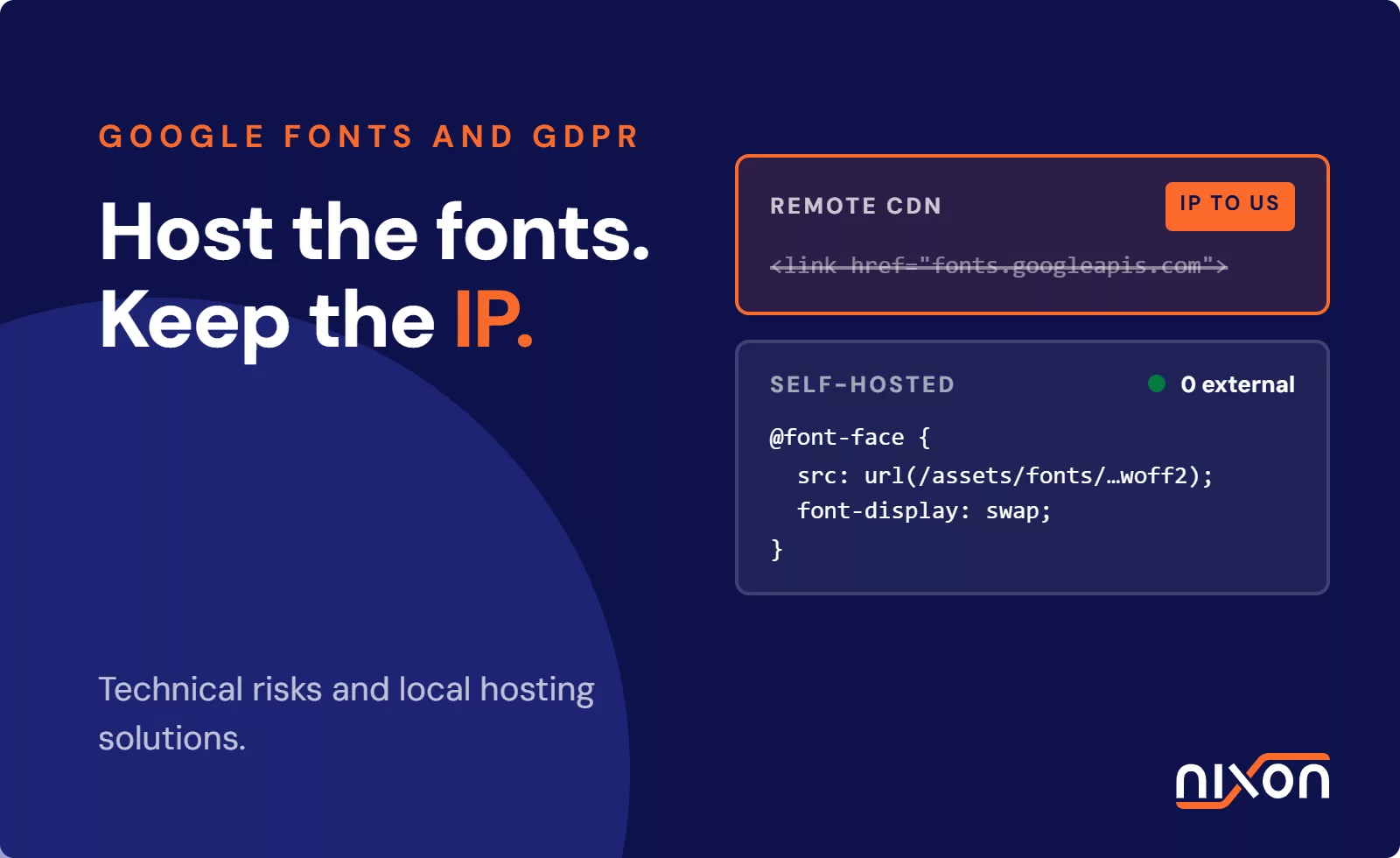

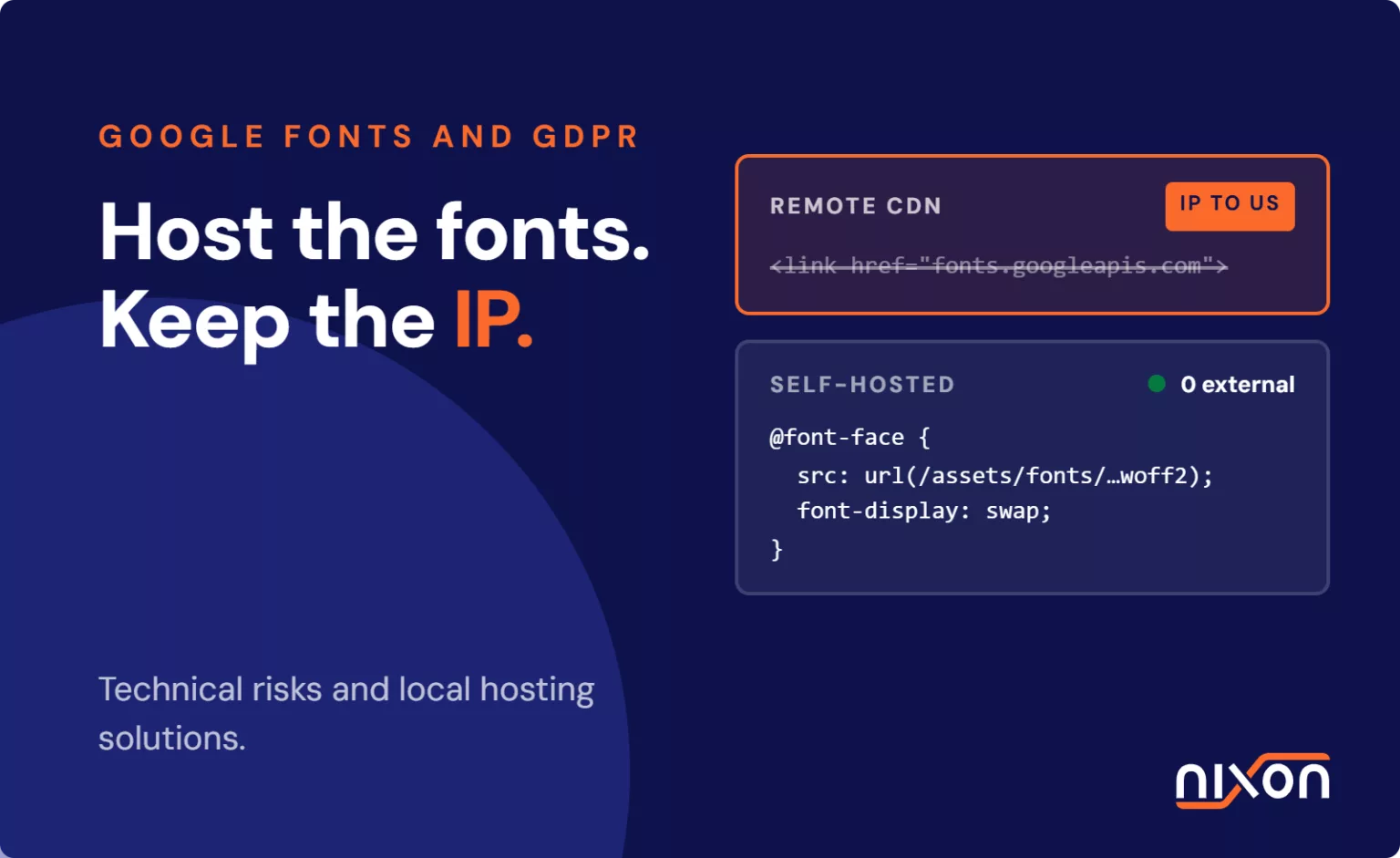
Google Fonts GDPR compliance is the practice of self-hosting typography assets on your own servers to prevent unauthorized IP address transmission to Google infrastructure. Under EU case law, dynamic IP addresses constitute personal data, requiring prior consent or complete elimination of third-party network requests. In our technical audits, we regularly see Google Fonts leaking visitor IP addresses before any consent banner appears. If your website loads remote stylesheets from fonts.googleapis.com, you trigger a data transfer on the very first network request. Many development teams assume a consent management platform handles all compliance. However, standard browser resource loading bypasses banner scripts entirely. To achieve true compliance, engineering teams must address this network-level data transmission and migrate to local hosting.
Relying on external content delivery networks introduces hidden legal risks that cookie banners cannot resolve on their own. When a browser requests a remote font, it connects directly to infrastructure operated by Google, meaning personal data leaves your visitor device without prior consent or contractual safeguards. Resolving this issue requires treating typography as a core architectural asset rather than an external dependency.
Why Google Fonts GDPR compliance fails when using remote CDNs
Loading typography from remote CDNs creates an unconsented flow of personal data directly to external servers. This transaction occurs automatically whenever a browser interprets standard HTML link tags or CSS import rules.
Network requests and IP address transmission
When a visitor lands on your page, the browser immediately fires a GET request to fonts.googleapis.com for the stylesheet, which then triggers a second fetch to fonts.gstatic.com for the actual binary files. Every TCP handshake and HTTP request automatically exposes the visitor public IP address, user-agent string and referer header in the network header long before a consent banner can even render.
The legal status of dynamic IP addresses under EU case law
Data protection authorities treat IP addresses as protected personal data rather than anonymous technical telemetry. In CJEU Case C-582/14 (Breyer), the Court of Justice of the European Union settled this question. The court confirmed that dynamic IP addresses constitute personal data when an operator has legal means to identify the user. Server log files enable the identification of individuals when combined with internet service provider records. Transmitting these addresses without a valid legal basis violates European privacy standards.
Cross-border transfers to United States infrastructure
The legal consequences of remote font loading became clear through German case law. In early 2022, the Munich regional court (Landgericht München I, Az. 3 O 17493/20) fined a website operator for loading Google Fonts remotely. The court ruled that transmitting IP addresses to Google servers in the United States without prior consent breached user privacy rights. Transferring personal data to US servers without adequate safeguards violates Chapter V of Regulation (EU) 2016/679 (GDPR). The court noted that website operators can easily host font files on their own infrastructure, eliminating any legitimate interest justification for remote fetching.
How remote font loading bypasses your consent management platform
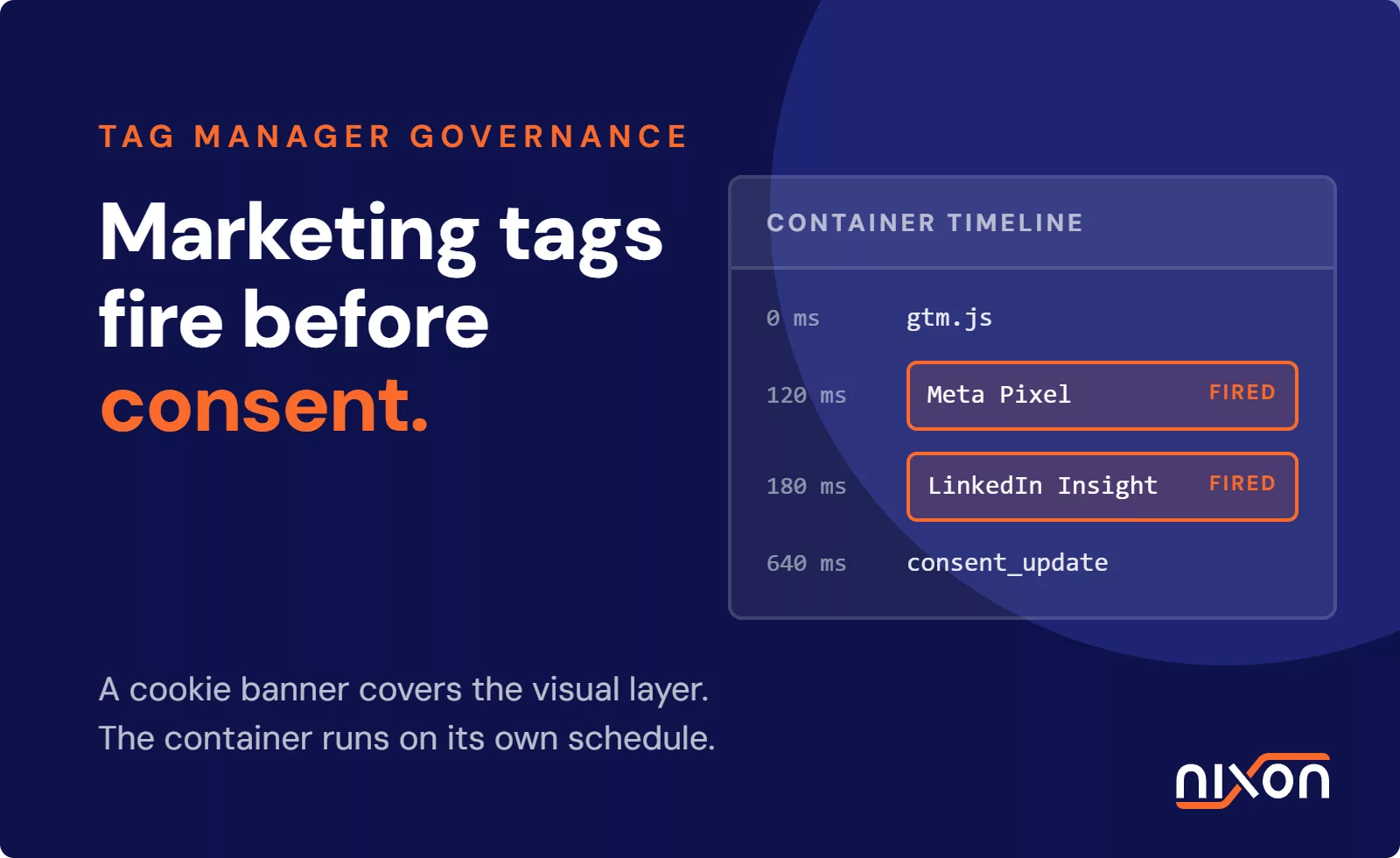
Most development teams assume an installed CMP prevents tracking scripts from firing until a user grants explicit permission. Unfortunately, remote fonts operate outside standard cookie-blocking architectures.
Render-blocking CSS in the document head
Web browsers render visual content as quickly as possible. When the HTML parser encounters a stylesheet link tag in the document head, it fetches that resource immediately to construct the CSS Object Model. Remote font links sit at the very top of your markup to avoid layout shifts. The browser sends network requests to Google infrastructure before parsing your consent management scripts. By the time your banner dialog appears, the visitor personal data has already reached external servers.
Why standard CMP configurations fail to intercept font links
A consent tool does not alter how a web browser processes standard static HTML links. Standard CMP implementations focus on blocking cookies, JavaScript tags and tracking pixels managed inside tag managers. If your engineering team has not configured explicit resource-blocking mechanisms, remote font stylesheets execute unimpeded. We see teams make this mistake constantly: they install a CMP, assume it catches everything, and never inspect the network tab. Effective consent management configuration requires deliberate governance over every asset on the page rather than blind trust in default banner settings.
What privacy scanning uncovers that manual code review misses
Development teams often conduct manual code reviews of their primary theme templates and assume they have eliminated all external calls. However, third-party chat widgets, embedded forms, page builders and plugins frequently inject external font calls deep within compiled stylesheets. In our audits, we often find marketing plugins, Zendesk widgets or legacy sliders secretly pulling Google Fonts in the background. Automated privacy scans catch these hidden background calls and reveal embedded font requests that bypass manual inspection. To clean your digital estate, you must remove third-party trackers and hidden dependencies embedded across your entire template codebase.
Step-by-step engineering guide to self-hosting web fonts
Transitioning from remote CDN calls to locally hosted typography is a straightforward engineering task that permanently eliminates third-party transmission and gives your team full control over caching headers:
- Download modern WOFF2 font files for your required families and weights.
- Implement local @font-face declarations within your primary stylesheet.
- Purge remote CDN links and preconnect tags from HTML templates.
- Audit browser network requests to verify zero external calls to Google domains.
Downloading modern WOFF2 font files
Begin by securing the exact font families and weights your website uses. Avoid legacy formats like TTF, EOT or SVG. Focus exclusively on the modern WOFF2 format, which offers superior compression and universal browser support. Tools like the open-source google-webfonts-helper project allow you to generate optimized WOFF2 bundles for any Google Font. Download these files and place them into your static asset directory, such as /assets/fonts/.
Implementing local @font-face declarations
Next, define your typography locally within your main stylesheet instead of importing external CSS files. Declare each font variation using the standard CSS @font-face rule. Always include the font-display property:
Setting the font-display property to swap ensures that text remains visible using system fallbacks while your local font loads. This step prevents invisible text errors during page rendering.
Stripping remote Google CDN calls and verifying assets
After declaring your local fonts, inspect your HTML templates and purge every reference to Google servers. Remove all link elements pointing to fonts.googleapis.com, as well as preconnect links targeting fonts.gstatic.com. Next, search your CSS files for remaining @import statements referencing external fonts. Finally, open your browser developer tools, navigate to the Network tab, filter requests by font and CSS, and reload your page. Ensure that zero outgoing requests travel to external Google domains. Following this process reinforces the foundational tenets of privacy by design for websites.
Performance gains and Google Lighthouse scores from local hosting
Migrating away from external font CDNs is not just a regulatory safeguard. It also delivers substantial frontend performance benefits that boost user experience and search engine metrics.
Eliminating third-party DNS lookups and TLS negotiation
Resolving DNS, negotiating TLS and pulling stylesheets from two distinct Google domains burns critical milliseconds before the browser can even paint text. Self-hosting web fonts eliminates third-party DNS lookups and external TCP connections, which stabilizes core web vitals and removes tracker leaks. Serving typography from your primary origin allows the browser to reuse existing HTTP/2 or HTTP/3 connections instantly.
Improving Core Web Vitals and Largest Contentful Paint
External network latency degrades user-centric performance metrics. If Google servers experience delays, text rendering stalls. High-latency mobile connections cause similar slowdowns, driving up your Largest Contentful Paint time. By hosting fonts locally, you ensure the browser parses font assets concurrently with your initial HTML. Using HTTP preload tags for critical weights speeds up this process further. This architectural shift plays a major role in improving Google Lighthouse scores across desktop and mobile devices alike.
Aligning website performance with data protection principles
Privacy fixes should never slow a website down. Stripping external font dependencies makes pages faster and kills the tracking vector in one move. When you eliminate external stylesheet dependencies, you meet core GDPR expectations around data minimisation, storage limitation and technical integrity. You protect your users from involuntary network tracking. You also harden your infrastructure against external CDN outages and maintain total ownership over visual assets. Self-hosting proves that engineering teams do not need to compromise speed to maintain rigorous privacy standards.
Relying on remote Google Fonts exposes organisations to continuous privacy liabilities because browser network requests execute prior to consent. Self-hosting web fonts is the only durable technical fix that achieves genuine Google Fonts GDPR compliance while improving page speed across every template. If you manage complex multi-brand environments and need ongoing technical governance across all digital properties, talk to Nixon Digital about our Managed Privacy Compliance Program to audit, remediate and maintain compliance across your entire portfolio.
Frequently Asked Questions (FAQ)
Are Google Fonts illegal under the GDPR?
Using Google Fonts is entirely legal, but loading them remotely from Google CDN servers without consent breaches EU privacy law. European courts have ruled that transmitting visitor IP addresses to US infrastructure without prior permission violates data transfer rules. Self-hosting the font files locally resolves the issue completely.
Does my cookie banner automatically block remote Google Fonts?
No, standard cookie banners do not block remote font calls by default. Browsers process stylesheet link tags in the document head before consent scripts evaluate. Because fonts load via standard CSS rather than tracking cookies, external network requests fire immediately unless your team implements explicit blocking rules.
Why does remote font loading transfer user IP addresses?
Whenever a browser requests a file from an external server, it must send the user IP address in the network request header to receive the data. Remote Google Fonts force the visitor device to connect directly to Google infrastructure, exposing their dynamic IP address automatically.
Does self-hosting Google Fonts hurt site performance?
Self-hosting actually improves site performance. Serving fonts locally eliminates third-party DNS lookups, TCP handshakes, and round-trip delays to external servers. Reusing your existing connection reduces Largest Contentful Paint times and significantly boosts Google Lighthouse scores.
How can I check if my website still loads external Google Fonts?
Open your browser developer tools, click the Network tab, filter requests by fonts.googleapis.com or fonts.gstatic.com, and refresh the page. Any outgoing call indicates remote loading. Automated website privacy scanners also uncover hidden font calls embedded inside third-party widgets and plugins.