

CMP comparison in 2026 is not what it was a year ago. Most platforms still treat the cookie banner as a legal checkbox. A handful do what regulators now actually expect: recognize browser consent signals, enforce them server-side and prove every decision with a log.
This CMP comparison examines four widely deployed CMPs: OneTrust, Cookiebot (branded as part of Usercentrics), Didomi, and Usercentrics itself. Each serves a different organizational need. However, they are not equally capable of handling what Article 88b actually requires.
What a CMP Is and Why the Choice Matters
A consent management platform is software that collects, stores, and communicates user consent for tracking cookies and related technologies. In principle, that sounds straightforward. In practice, the choice of platform shapes whether your organization achieves genuine compliance or merely performs compliance.
A CMP handles three things. First, it displays a banner where users see which cookies and trackers your website uses, and it collects their accept or reject decision. Second, it stores that decision in a consent cookie and ensures the preference persists across visits. Third, it communicates the user’s choice to your tracking infrastructure so that non-consented scripts don’t fire.
The first two functions are relatively simple. Most CMPs execute them adequately. The third function is where implementations diverge dramatically. Many organizations deploy a CMP and assume consent gets enforced automatically. It often does not. Your Google Analytics fires anyway. Your Meta Pixel loads without consent. Your retargeting pixel tracks the user despite their Reject All choice. The CMP collected the decision, but your website never enforced it.
This is not a flaw in the CMP alone. It reflects how organizations integrate the CMP with their broader tracking infrastructure. However, some platforms make the integration easier, more transparent and less prone to compliance gaps. Others leave you debugging configuration for months.
This CMP Comparison dives into four of the worlds best-known cookie banners: OneTrust, Cookiebot, Didomi and Usercentrics.
OneTrust
OneTrust dominates enterprise compliance. If your organization has a dedicated privacy team and an annual budget above USD 500,000, you are likely running OneTrust. The platform powers consent on the majority of Fortune 500 websites and government agencies.
OneTrust’s strength is depth. It supports granular consent taxonomy, multi-domain deployments, and integration with complex enterprise technology stacks. The platform recognizes browser consent signals, including Global Privacy Control (GPC) and similar machine-readable preferences. It implements IAB Transparency and Consent Framework 2.2 (TCF 2.2) compliance. It allows you to define custom consent categories, assign scripts to those categories and configure blocking rules at a granular level.
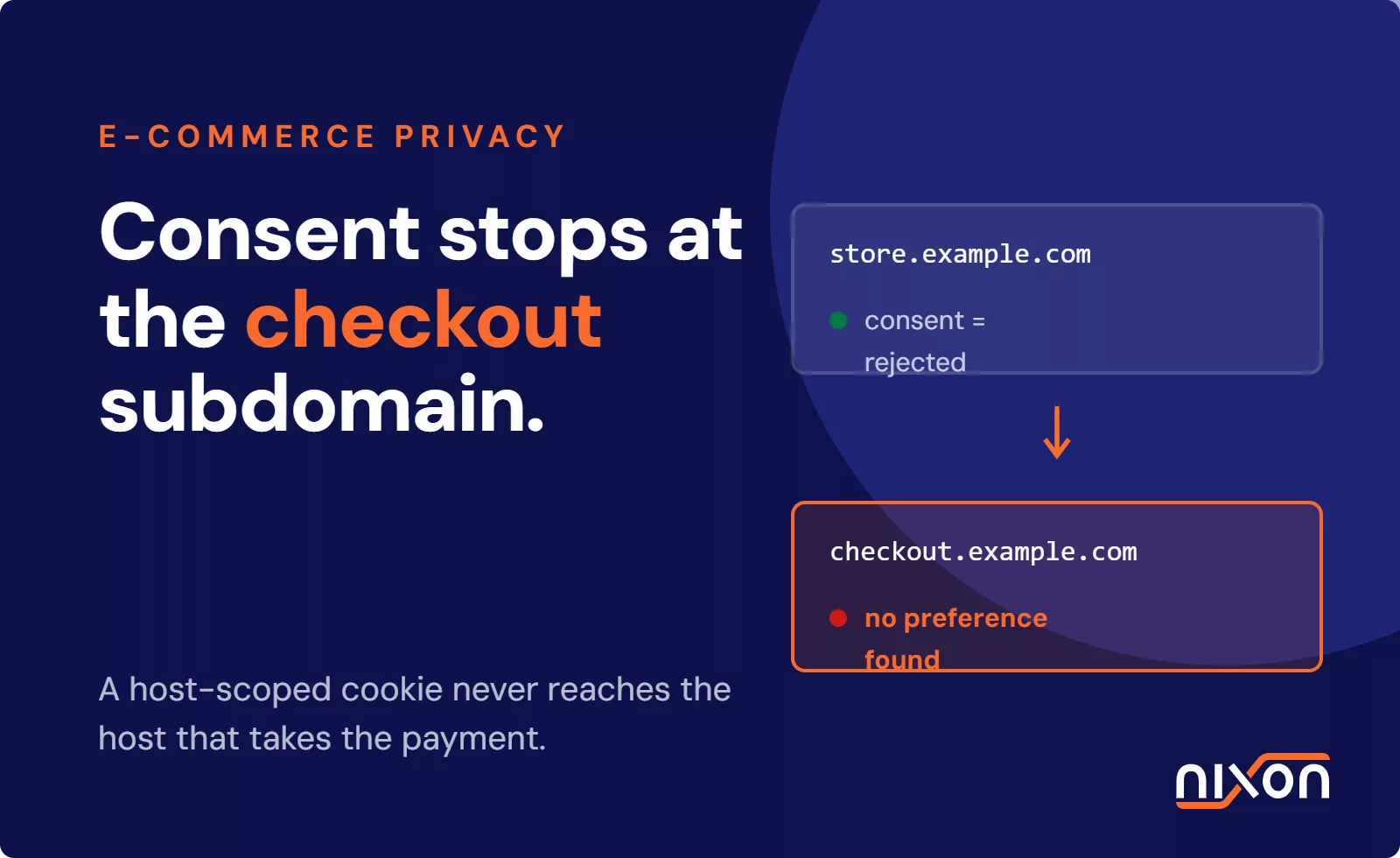
OneTrust’s weakness is complexity. Configuring OneTrust properly requires technical expertise. The platform offers dozens of configuration options, and choosing the wrong combination leads to the very compliance failures you are trying to prevent. Race conditions where scripts fire before the banner loads. Miscategorized scripts that get marked as “Strictly Necessary” when they should require explicit consent. Consent cookies set to the wrong domain, causing return visitors to see the banner repeatedly.
OneTrust makes these mistakes possible, though not inevitable. If your team has the expertise to configure it correctly, OneTrust is robust. If you are relying on the vendor’s default settings or a lightly trained implementation partner, gaps appear quickly.
Cost runs from USD 5,000 to USD 50,000 annually depending on deployment scope and data volume. Large organizations often negotiate higher prices based on transaction volume and global reach.
Cookiebot (Usercentrics Brand)
Cookiebot, now positioned as the Usercentrics brand within the Usercentrics portfolio, targets mid-market and SME customers who want consent management without the complexity of OneTrust.
Cookiebot’s primary strength is ease of setup. Drop a script tag on your website, and Cookiebot begins scanning for cookies automatically. The platform’s cookie scanner identifies which cookies your website is setting, attempts to categorize them automatically, and provides a simple banner where users accept or reject by category. For organizations with relatively simple tracking setups and limited multi-domain needs, Cookiebot works out of the box.
Cookiebot’s scanning depth is surface-level compared to enterprise platforms. It identifies cookies but often requires manual correction of categorizations. A third-party script that sets multiple cookies might be categorized inconsistently, or placed in the wrong consent category entirely. The platform supports browser consent signals and TCF 2.2, but its implementation assumes you have configured the scanning and categorization correctly upstream. If your website’s cookie architecture is messy, Cookiebot’s surface-level scan reflects that mess back to you.
Additionally, Cookiebot’s approach to script blocking relies heavily on your own implementation. The platform does not forcibly block scripts. Instead, it provides a consent signal that your website must react to. If your Google Analytics implementation does not check that signal before firing, Analytics loads regardless of user choice. This places burden on your technical team to ensure tracking integrations respect the consent output.
Cost runs from USD 300 to USD 3,000 annually depending on website traffic and feature tier. This makes Cookiebot attractive for budget-conscious organizations, but the apparent simplicity often requires more technical work downstream than the price suggests.
Didomi
Didomi positions itself as the customization-first CMP. The platform targets organizations that need non-standard consent flows, complex multi-brand deployments, or highly regulated industries where standard consent taxonomy doesn’t apply.
Didomi’s strength is flexibility. You can define custom consent layers, create purpose-specific consent flows for different user segments, and design banner interactions that match your brand precisely. Didomi supports browser consent signals and TCF 2.2, and its technical architecture makes it easier to integrate with complex backend systems that need to know about user consent at an API level, not just at the website level.
Didomi’s weakness is that flexibility comes with a learning curve. The platform requires hands-on technical configuration. If you simply want a standard cookie banner that works out of the box, Didomi is overkill. The platform rewards teams that invest time in understanding its architecture and API. Teams without that depth struggle with it.
Didomi also tends to serve larger deployments. Pricing is typically custom and the platform is most cost-effective for organizations with significant technical resources and complex consent requirements. A simple SME website is better served by Cookiebot.
Usercentrics
Usercentrics is the parent company of the Cookiebot brand and the platform itself targets mid-market organizations that want more control than Cookiebot offers but less enterprise overhead than OneTrust requires.
Usercentrics’ banner builder is intuitive. The platform provides pre-built consent flows, category definitions, and integration templates for common tracking tools like Google Analytics, Meta Pixel, and others. This means you don’t need to configure Google Analytics integration from first principles. Usercentrics recognizes browser consent signals, implements TCF 2.2 and makes multi-domain deployments straightforward.
Usercentrics walks a middle path. It is more flexible than Cookiebot but less complex than OneTrust. For organizations with dedicated privacy teams but limited budgets, Usercentrics often delivers the best balance between capability and usability. However, the platform assumes you have the technical sophistication to understand cookie categories and script blocking. Marketing teams alone often cannot deploy Usercentrics without engineering support.
Cost runs from USD 2,000 to USD 15,000 annually depending on domains and traffic volume. This places it between Cookiebot and OneTrust in both price and capability.
CMP Comparison Criteria: What Actually Matters in 2026
Selecting a CMP should not be a feature comparison exercise. Instead, evaluate platforms against practical criteria:
Browser Consent Signal Support (Article 88b)
All four platforms claim to support browser consent signals. However, implementation depth varies. OneTrust was early to market with GPC support and has the most mature implementation. Usercentrics and Cookiebot both recognize signals, though documentation on behavior edge cases is sometimes sparse. Didomi supports signals but requires more custom configuration to wire them into your consent model.
Test this directly. Configure the platform to recognize browser signals. Use a privacy browser extension to simulate a GPC signal. Does the CMP recognize the signal? Does it suppress the banner? Does it prevent non-consented scripts from loading? This test reveals gaps that documentation obscures.
TCF 2.2 Compliance
If you work with display advertising partners, you almost certainly need IAB TCF 2.2 support. All four platforms claim compliance. The question is whether they implement the specification correctly. OneTrust has the deepest TCF implementation. Usercentrics and Cookiebot support TCF but with more limited publisher-side customization. Didomi supports TCF well but requires technical configuration.
Ease of Configuration
This is where platforms diverge most visibly. Cookiebot is simplest. You deploy the script and run the scanner. Usercentrics requires more configuration but provides pre-built templates. OneTrust and Didomi demand technical expertise. If your team lacks privacy and engineering collaboration, OneTrust and Didomi will be frustrating.
Blocking Before Consent (Pre-Consent Script Prevention)
This is the critical point most organizations miss. Does your CMP actually prevent scripts from loading before the user consents? Or does it only provide a consent signal that your website must respect?
OneTrust can forcibly block scripts if configured correctly. This is a significant advantage. However, configuration complexity means many OneTrust deployments miss this capability. Usercentrics can block scripts through integration with Google Tag Manager, but the setup is not straightforward. Cookiebot relies on your website respecting its consent signals. If your Analytics implementation ignores the signal, Cookiebot cannot stop it. Didomi leaves blocking to your implementation.
This is not a knock against Didomi or Cookiebot. Many organizations prefer to manage blocking in their Tag Manager rather than delegating it to the CMP. However, the choice matters. If you choose a platform that does not enforce blocking, your website becomes dependent on your technical team remembering to check consent before firing every tracking script. That is a compliance liability.
Cookie Scanning and Categorization Depth
OneTrust and Usercentrics perform deeper scans. They identify not just first-party cookies but also scripts that set cookies, and they attempt to map scripts to purposes. Cookiebot’s scanning is less deep. Didomi does not emphasize automatic scanning at all. Your categorization accuracy depends on your effort. Deeper scanning from OneTrust and Usercentrics saves effort initially, though all platforms require manual review.
Multi-Domain Support
All four support multiple domains. OneTrust and Didomi make managing domains across different properties easier through a unified dashboard. Cookiebot and Usercentrics support multi-domain but with more configuration overhead per domain.
Pricing and Value
Cookiebot is the budget option. Usercentrics is mid-market value. OneTrust is enterprise premium. Didomi is custom. Choose based on your budget and technical depth. A SME with a simple website overpays for OneTrust. An enterprise relying on Cookiebot’s defaults leaves compliance gaps.
The Critical Gap: CMP Alone Is Not Compliance
Here is the uncomfortable truth that no vendor will emphasize: installing a CMP does not ensure compliance. The CMP is one layer. Your implementation is another.
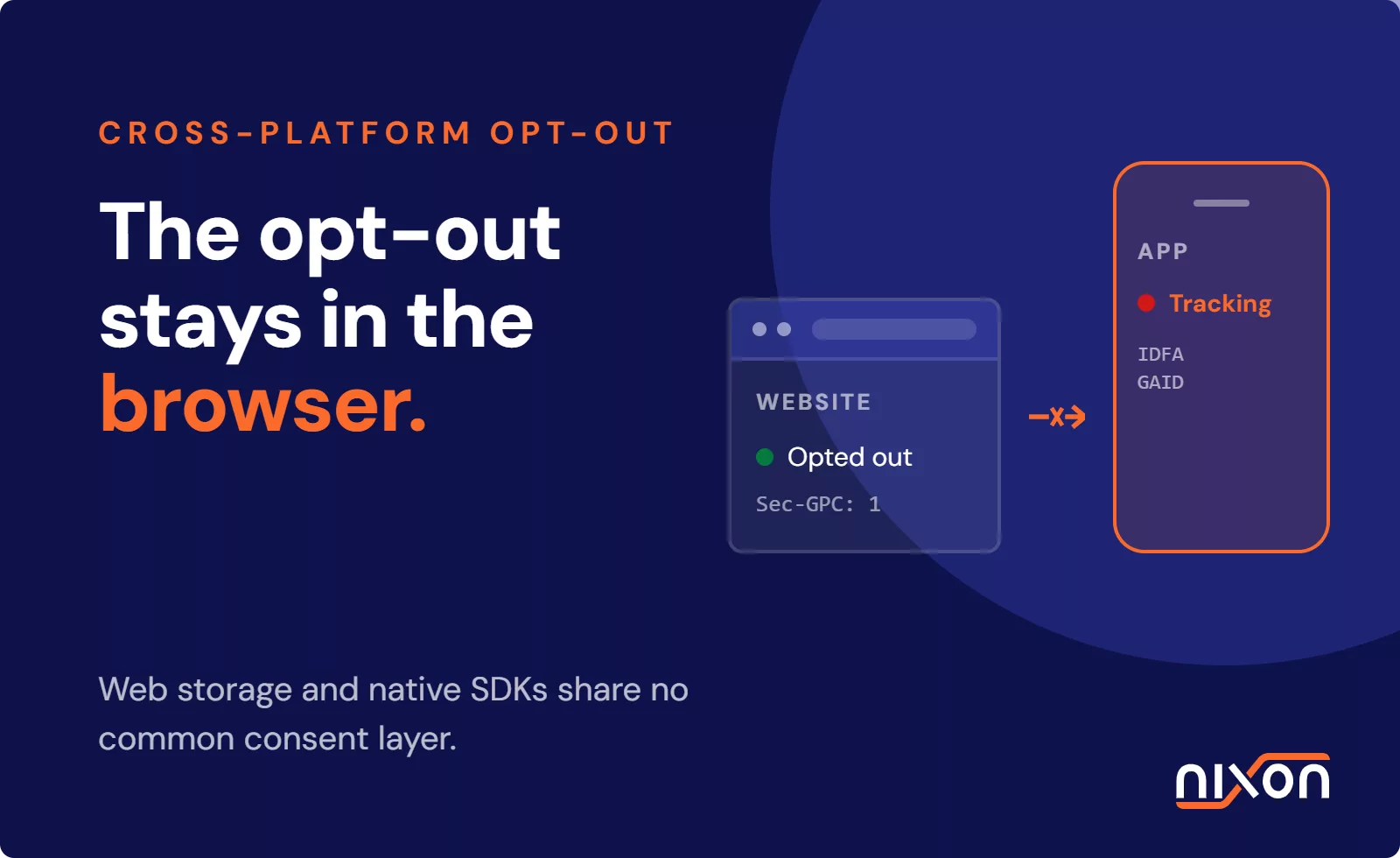
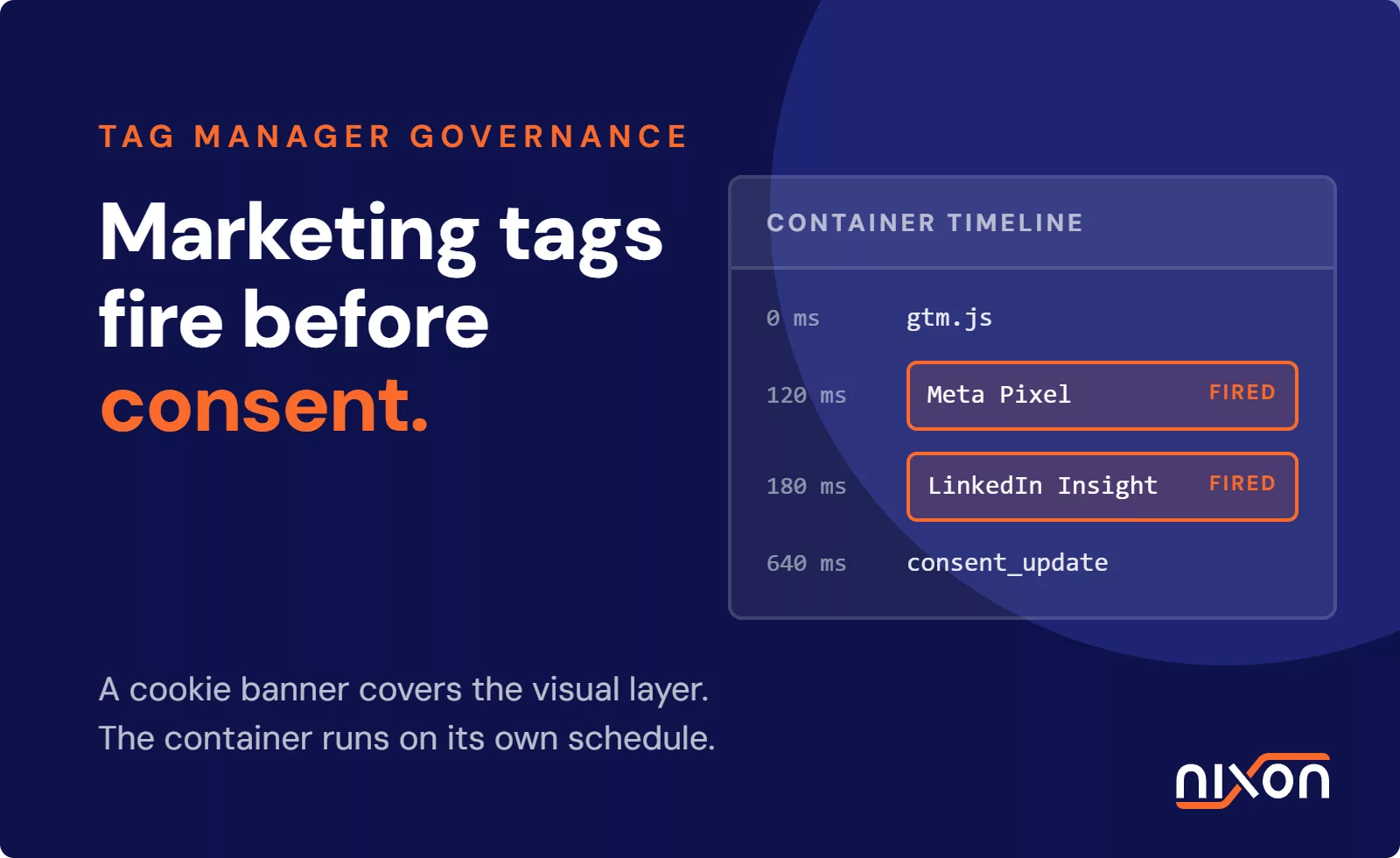
An organization can deploy OneTrust, configure it correctly and still fail consent enforcement if the website’s technical setup ignores what the CMP communicates. Google Tag Manager can fire tags before the CMP has initialized. A third-party iframe can load analytics before the banner appears. A mobile app can ignore browser consent signals entirely. A backend service can track users without checking consent at all.
The presence of a CMP is a necessary condition for GDPR compliance. It is not sufficient.
This is where most audits and enforcement actions begin. Regulators test websites by opening an incognito window, rejecting all consent, and watching the Network tab. If tracking scripts fire anyway, the violation is documented. The organization then responds: “But we use OneTrust.” The regulator replies: “OneTrust is installed, but it is not working. You are liable.”
Testing whether your CMP actually works requires more than reading the configuration dashboard. It requires loading your website in an incognito window, rejecting all consent, and verifying that tracking scripts do not fire. This test should be run regularly, especially after deploying new tracking tools or updating your Tag Manager configuration.
Monitoring Whether Your CMP Actually Works
Manual testing works. But it doesn’t scale. If your organization operates fifty websites, you could test them all. If you operate five hundred, manual testing becomes infeasible. Months pass between audits. Configurations change. A developer adds a new tracking script and forgets to check the consent signal. Nobody notices until a regulator does.
Nixon Platform provides continuous monitoring of whether your CMP is actually enforcing consent. The platform regularly scans your website’s consent implementation, verifies that browser consent signals are being recognized, confirms that rejected scripts don’t fire after users click Reject All and checks that consent preferences are persisted across return visits. It alerts you when consent signals break or when new tracking scripts appear without proper consent gating.
This is not a substitute for manual audits or legal review. However, continuous monitoring catches the gaps that quarterly or annual audits miss. You know in real time whether your CMP is working.
Comparison Table
| Feature | OneTrust | Cookiebot | Didomi | Usercentrics |
|---|---|---|---|---|
| Browser consent signals (GPC) | Yes, mature | Yes | Yes, requires config | Yes |
| TCF 2.2 compliance | Comprehensive | Good | Good | Good |
| Pre-consent script blocking | Yes, if configured | Via GTM/manual | Manual | Via GTM/manual |
| Cookie scanning depth | Deep | Surface-level | Manual | Deep |
| Multi-domain support | Excellent | Good | Good | Good |
| Configuration complexity | High | Low | High | Medium |
| Ease of setup | Difficult without partner | Easy | Difficult | Medium |
| Target audience | Enterprise | SME/Mid-market | Mid-market/Enterprise | Mid-market |
| Annual cost (baseline) | USD 5K-50K | USD 300-3K | Custom | USD 2K-15K |
| Best for | Large organizations, complex integrations | Simple websites, budget-conscious | Custom consent flows, complex requirements | Mid-market balance |
| Biggest limitation | Complexity requires expertise | Surface-level scanning | Steep learning curve | Less mature TCF integration |
Which CMP Should You Choose?
If you are a startup or small business with a single website and a basic tracking setup, Cookiebot offers the best value. Deploy it, run the scanner, accept the suggested categories with minimal manual review, and you have a functional consent system for under USD 1,000 per year.
If you are a mid-sized organization with multiple websites, dedicated privacy resources, and a reasonable budget, Usercentrics delivers the best balance of capability and ease of use. You can build a multi-domain consent infrastructure without OneTrust’s overhead or Cookiebot’s limitations.
If you are an enterprise with hundreds of websites, complex integrations, regulatory requirements in multiple jurisdictions, and a substantial privacy budget, OneTrust is the appropriate choice. Accept the complexity as the cost of maturity. Budget for professional implementation. Test your configuration thoroughly.
If you need consent flows that don’t fit standard templates (multi-brand deployments, vertical-specific requirements, complex segmentation), Didomi rewards your investment in its architecture. However, only pursue Didomi if your team has the technical depth to configure it properly.
Regardless of your choice, the single most important action is this: test your CMP in production. Load your website in an incognito window. Reject all consent. Open the Network tab. Watch what loads. If tracking scripts fire, your CMP is not working, regardless of what the dashboard says. Fix the configuration. Test again. Automate the test so you catch regressions before auditors do.
A CMP that collects consent but does not enforce it is theater. The Digital Omnibus made that theater no longer acceptable. Choose your platform wisely, configure it correctly and validate that it actually works.
The IAB TCF 2.2 specification is the technical standard underlying most advertising consent implementations across Europe. If your website runs display advertising, reviewing this document helps you understand what CMPs need to communicate to ad partners about consent.
If you need continuous assurance that your CMP is functioning correctly across your entire digital footprint, Nixon Platform monitors consent implementation and alerts you when signals break or scripts misbehave. For a deeper technical dive into OneTrust specifically, see How to Validate Your OneTrust Consent Implementation. And for context on the regulatory change itself, The Digital Omnibus Explained walks through Articles 88a and 88b.
Related reading: Cookie banner audit: does your banner actually work? | Browser consent signals: what Article 88b changes
Frequently Asked Questions
What is the most important thing a CMP needs to do that many get wrong?
Enforcing consent, not just collecting it. Many organizations deploy a CMP, configure the banner and assume tracking is automatically blocked. It often isn’t. Google Analytics fires anyway, Meta Pixel loads without consent, retargeting scripts track users despite a “Reject All” click. The CMP recorded the decision – but the website never enforced it. Installing a CMP is a necessary condition for GDPR compliance, not a sufficient one.
Which CMP is right for my organization's size and budget?
It depends on your scale and technical resources. Cookiebot suits small businesses with simple tracking setups and limited budgets – under $1,000 per year for basic deployments. Usercentrics is the best mid-market balance for organizations with multiple websites and dedicated privacy resources. OneTrust is built for enterprises with complex integrations, multiple jurisdictions and substantial privacy budgets – expect $5,000 to $50,000 annually. Didomi suits organizations with non-standard consent flows that don’t fit templates, but only if your team has the technical depth to configure it properly.
Does every CMP actually block scripts before consent is given?
No – and this is the critical differentiator. OneTrust can forcibly block scripts if configured correctly, which is a significant advantage. Usercentrics and Cookiebot rely on your website respecting their consent signals through Google Tag Manager, meaning if your Analytics implementation ignores the signal, it fires anyway. Didomi leaves blocking entirely to your own implementation. None of this makes Cookiebot or Didomi non-compliant by design – but it means your technical team carries more responsibility for ensuring scripts don’t load before consent.
How do I test whether my CMP is actually working?
Open your website in an incognito window, reject all consent and open the Network tab in browser DevTools. Watch which tracking scripts load after rejection. If you see requests to Google Analytics, Facebook, LinkedIn or ad networks firing after “Reject All,” your CMP is not enforcing consent regardless of what the configuration dashboard shows. This test should be run regularly – especially after deploying new tracking tools or updating your tag manager configuration.
What changed about CMP requirements after February 2026?
The EU withdrew the ePrivacy Directive and moved cookie rules into GDPR Articles 88a and 88b through the Digital Omnibus. Article 88b introduced a specific requirement: CMPs must now recognize browser consent signals like Global Privacy Control. A CMP that cannot read and honor these signals is already out of step with the law. All four platforms in this comparison claim to support browser consent signals, but implementation depth varies – OneTrust has the most mature GPC support, while Didomi requires more custom configuration to wire signals into your consent model.