
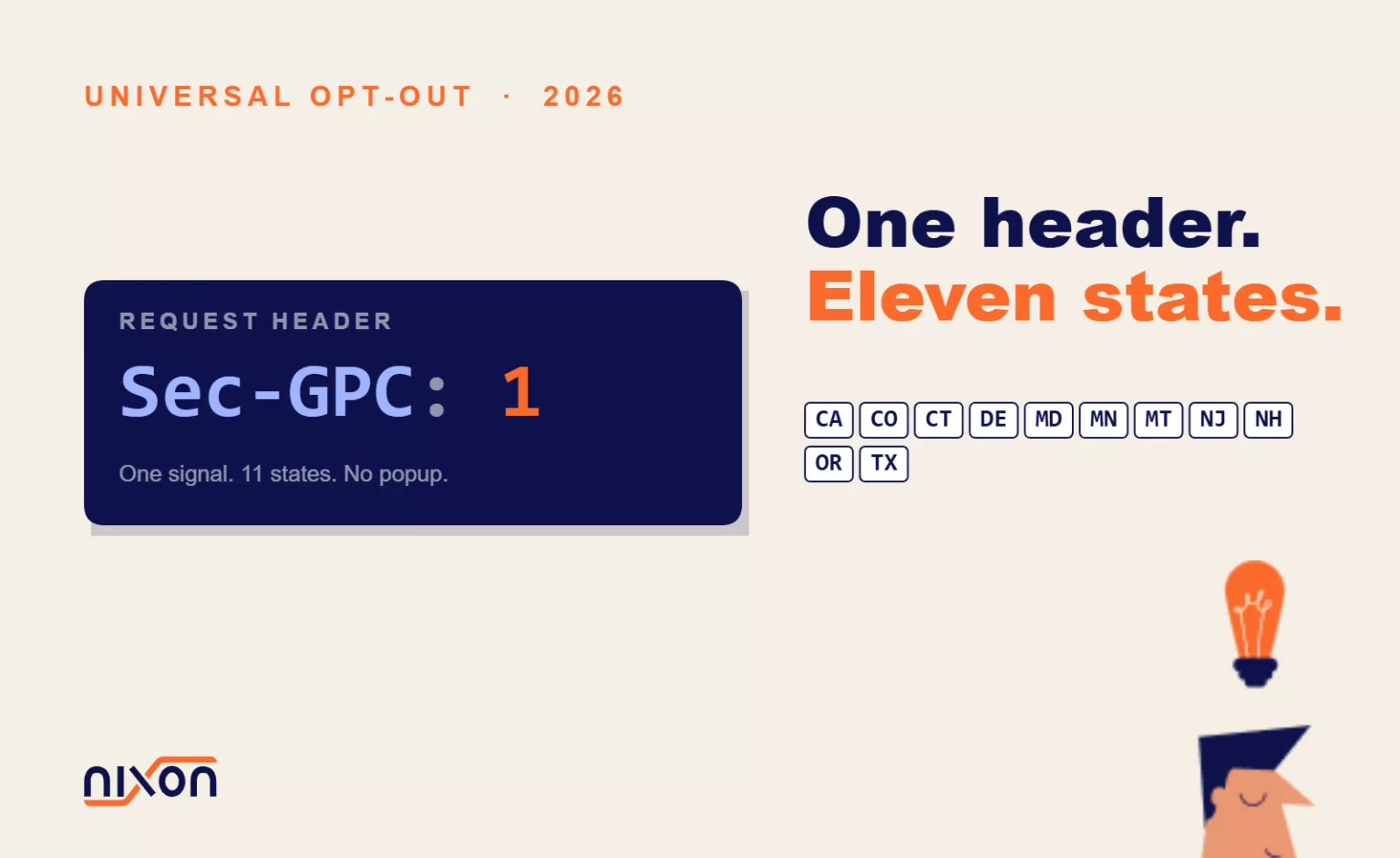
Connecticut and Oregon joined California, Colorado, Delaware, Maryland, Minnesota, Montana, New Jersey, New Hampshire, and Texas in January 2026. That makes 11 states, with more coming. All of them require your website to recognize a Universal Opt-Out Mechanism (UOOM).
The problem: most websites don’t.
If you operate a website that collects visitor data, you need to understand what this means. The mechanism itself is technical but straightforward. The compliance gap is real and growing.
What a Universal Opt-Out Mechanism Actually Is
A UOOM is not a button on your website. It’s not a new banner you add to your footer.
Instead, it’s a browser-based signal that a visitor sends to your website automatically. The most common UOOM is Global Privacy Control, or GPC. When a visitor enables GPC in their browser settings, the browser sends two pieces of information on every page load:
- An HTTP header called
Sec-GPC: 1 - A JavaScript property called
navigator.globalPrivacyControlset totrue
That’s it. No extra clicks. No extra popup. The browser does the work.
What does this signal mean? In the 11+ states that recognize it, GPC communicates one thing: “This visitor does not consent to the sale or sharing of their personal information.” The law treats GPC as a valid opt-out. Your website must honor it.
The 11+ States Requiring UOOM Recognition
As of April 2026, these jurisdictions require websites to recognize UOOMs:
- California (CPRA, effective January 1, 2023)
- Colorado (Colorado Privacy Act, effective July 1, 2023)
- Connecticut (Connecticut Data Privacy Act, effective January 1, 2026)
- Delaware (Delaware Personal Data Privacy Act, effective January 1, 2026)
- Maryland (Maryland Online Data Privacy Act, effective January 1, 2026)
- Minnesota (Minnesota Consumer Data Privacy Act, effective January 1, 2026)
- Montana (Montana Consumer Data Privacy Act, effective October 1, 2024)
- New Jersey (New Jersey Data Protection Act, effective January 1, 2026)
- New Hampshire (New Hampshire Privacy Act, effective January 1, 2026)
- Oregon (Oregon Consumer Information Protection Act, effective January 1, 2026)
- Texas (Texas Data Privacy and Security Act, effective July 1, 2024)
This is not a small corner of the US market. These 11 states represent over 30% of the US population. If your website has any significant traffic from these states, you need to implement UOOM support. Not implementing it exposes you to liability and regulatory action.
How GPC Works: The Technical Flow
When a visitor lands on your website with GPC enabled, this is what happens:
- The browser includes the header
Sec-GPC: 1in every HTTP request. - JavaScript in the page detects
navigator.globalPrivacyControl === true. - Your website’s code (typically in your Consent Management Platform or tag manager) should detect this signal.
- Once detected, your website should suppress all tags and pixels related to data sale or sharing.
This happens before your visitor clicks anything. Their preference is communicated upfront.
Here’s what it looks like in the Network tab of your browser’s developer tools:
GET /page.html HTTP/1.1
Host: example.com
Sec-GPC: 1
And in JavaScript:
if (navigator.globalPrivacyControl === true) {
  // User has enabled GPC - treat as valid opt-out
  // Suppress data sale/sharing tags
}
That’s the whole mechanism. It’s simple, browser-native and requires no additional user interaction.
What “Recognizing” GPC Means for Your Website
Recognizing GPC doesn’t mean you shut down your entire website or delete all analytics. It means you must stop the sale and sharing of personal information.
Here’s the distinction, because it matters legally:
You can still do this with GPC enabled: – Load Google Analytics to understand traffic patterns – Use internal analytics for website optimization – Collect data for legitimate business operations (order fulfillment, payment processing, customer service)
You must NOT do this with GPC enabled: – Sell or share visitor data with third parties – Send data to ad networks for retargeting or audience building – Build audiences with companies like Facebook Pixel, Google Ads, LinkedIn Pixel – Share data with data brokers or partner companies for commercial purposes
The law distinguishes between data collection and data sale or sharing. GPC says: this visitor opts out of sale and sharing. It doesn’t say they opt out of all data collection.
Your Consent Management Platform (CMP) or tag manager should have settings to suppress data-selling tags while keeping analytics tags active. If your current setup doesn’t support this distinction, you need to reconfigure it.
How to Implement UOOM Recognition on Your Website
Implementation happens in layers: detection, suppression and documentation.
Step 1: Detect the GPC Signal
In your CMP or tag manager, add logic to check for GPC on page load. Most enterprise CMPs (OneTrust, TrustArc, Osano, Cookiebot) now support GPC detection natively. Check your CMP’s documentation.
If you’re using a tag manager like Google Tag Manager, add a custom variable to detect GPC:
if (navigator.globalPrivacyControl) {
  dataLayer.push({ gpcEnabled: true });
}
Step 2: Suppress Data-Sharing Tags
Once GPC is detected, configure your CMP or tag manager to treat it as an explicit opt-out of sale and sharing. In Google Tag Manager, this means:
- Create a trigger based on the GPC signal
- Apply that trigger to all tags that sell or share data
- Block those tags from firing when GPC is true
Your ad platforms (Google Ads, Facebook Pixel, LinkedIn Ads, etc.) should be suppressed. Your first-party analytics tools (Google Analytics, Amplitude, Mixpanel) can remain active, but configure them to exclude GPC users from any audience or retargeting lists.
Step 3: Test Across Browsers
Use the GPC browser extension (available for Chrome, Edge, and Firefox) to test your implementation. Install it, enable GPC and reload your website.
Then open the Network tab in DevTools (F12 → Network). Look for these things:
- Check the request headers: do you see
Sec-GPC: 1? - Check your tag manager: is the GPC variable triggering correctly?
- Check for ad/pixel requests: are Facebook Pixel, Google Ads, LinkedIn Pixel being blocked?
- Check your CMP: is it showing the correct status (opt-out recognized)?
If ad pixels are still firing with GPC enabled, your implementation is incomplete.
Step 4: Document Your Compliance
Create a page on your website (or add to your privacy policy) that documents how you handle GPC. Explain:
- That you recognize GPC as a valid opt-out signal
- Which categories of data processing you suppress when GPC is detected
- How visitors can enable GPC in their browser
- Your data retention policy for GPC-flagged users
This documentation protects you if regulators audit your website. It shows good faith implementation.
GPC Is an Opt-Out Signal, Not Opt-In Consent
Here’s where GPC differs from GDPR and cookie consent in Europe:
In the EU, the GDPR and ePrivacy Directive require opt-in consent. Your visitor must actively agree before you can load most tracking pixels.
In the US (CCPA, CPRA, and state privacy laws), the default model is opt-out. You can collect and process data unless the visitor tells you to stop. GPC is how they tell you to stop-specifically, to stop the sale and sharing of their data.
This is not a minor distinction. It changes how you structure your consent logic:
- GDPR (opt-in): If no consent banner is dismissed or agreed to, don’t load tracking.
- CCPA/State Laws (opt-out): You can load tracking. But if GPC is detected, suppress sale/sharing tags immediately.
If you operate in both regions, your CMP needs to handle both models. Treat GPC as a regional opt-out signal, not a global consent refusal.
Testing: How to Verify Your GPC Implementation Works
Here’s a step-by-step test you can run on your own website:
- Open your website in Chrome, Edge, or Firefox.
- Install the Global Privacy Control extension from the official browser store.
- Enable GPC in the extension settings (usually a toggle switch).
- Reload your website.
- Open DevTools (F12 or Ctrl+Shift+I).
- Go to the Network tab.
- Look at the request headers for your main page. You should see
Sec-GPC: 1. - Go to the Console tab. Type
navigator.globalPrivacyControland press Enter. It should returntrue. - Look at the Network tab for third-party requests. Check these domains:
google-analytics.com(should fire or be suppressed based on your config)facebook.com(should be blocked)linkedin.com(should be blocked)connect.facebook.net(should be blocked)
If sale/sharing pixels are still being sent, your implementation is incomplete. Go back to Step 2 (tag configuration) and review your suppression rules.
The Difference Between GDPR Consent and GPC
This is a common source of confusion, so it’s worth underlining:
GDPR (European Union): – Requires opt-in consent before most tracking – Cookie banner is legally required – “Consent” = user actively agrees – Default = no tracking
CCPA, CPRA and State Privacy Laws (United States): – Allow opt-out instead – Cookie banner is not always legally required (in many states) – “Opt-out” = user tells you to stop selling/sharing data – Default = you can track (unless GPC or other signal says no) – GPC is the mechanism to opt out – Legitimate business operations still allowed even with opt-out
If your website serves both EU and US visitors, you need both frameworks: – EU visitors: show a consent banner; respect their consent choices; honor the Sec-GPC header (GPC is also recognized in some EU interpretations) – US visitors: implement GPC recognition; suppress sale/sharing tags when detected
Your CMP should let you configure both behaviors. If it doesn’t, it’s time to reconsider your compliance stack.
What Happens If You Don’t Recognize GPC
Non-compliance carries real consequences:
- CPPA (California Privacy Protection Agency): Fines up to $7,500 per intentional violation of CPRA rules, including GPC recognition requirements
- State Attorneys General: In Colorado, Connecticut, Delaware, Minnesota, Oregon, and Texas, the state AG can bring enforcement actions
- Private Right of Action: Some states (California) allow consumers to sue for data breaches-while others do not (yet)
- Reputation Risk: Non-compliance becomes visible to privacy researchers and privacy-conscious users who notice tracking despite their browser signal
The regulatory environment is moving faster than most websites can keep up. Audits and enforcement are increasing. If your website collects data from 2026 visitors in these 11+ states and doesn’t recognize GPC, you’re vulnerable.
Using Nixon Pro to Check Your UOOM Compliance
Nixon Pro is a website privacy scanner that checks whether your site respects GPC signals and recognizes Universal Opt-Out Mechanisms. Here’s what it does:
- Loads your website with GPC enabled
- Checks whether ad platforms (Google, Facebook, LinkedIn) still fire pixels
- Tests whether your tag manager respects the GPC signal
- Provides a detailed report on which third-party tags fail to suppress
- Recommends remediation steps
Instead of manually testing every page with the GPC extension, Nixon Pro automates it. You get a full audit of your UOOM compliance in minutes. If you manage multiple websites or operate in regulated industries, this saves weeks of manual testing.
Nixon Pro also checks cookie disclosure accuracy and third-party data flows across your pages.
Next Steps: Immediate Action Items
If your website operates in any of the 11+ UOOM-requiring states, do this now:
- Verify current GPC detection: Check whether your CMP or tag manager already detects GPC. Most modern CMPs have built-in support-but it may be disabled by default.
- Audit your tag configuration: Determine which tags constitute “sale or sharing.” These must be suppressed when GPC is detected.
- Test with the GPC extension: Run the manual test described above. Log your results.
- Document your approach: Update your privacy policy to mention GPC recognition and what it means for data processing.
- Scan with Nixon Pro: Get a full automated audit of your UOOM and state privacy compliance in one report.
The deadline is now. GPC recognition is not a future requirement-it’s mandatory as of 2026 in 11 states. Your website is either compliant or not. If you haven’t checked, you’re likely not.
Want a quick assessment of your UOOM compliance? Run a free Nixon Pro scan on your website. It will show you exactly which third-party domains are failing to respect GPC signals-and what to do about it.
For continuous monitoring of your website’s tracking and consent behavior, Nixon Platform alerts you when scripts change or consent signals break across your digital properties.
The Global Privacy Control specification is maintained by the W3C Privacy CG and is the definitive technical reference for implementation.
Related reading: CCPA 2026 compliance: what your website must do now | US state privacy laws in 2026: 20 states compared | Browser consent signals: what Article 88b changes
Frequently Asked Questions (FAQ)
What is a Universal Opt-Out Mechanism and how does it work?
A UOOM is a browser-based signal – not a button or banner on your website. The most common implementation is Global Privacy Control (GPC). When a visitor enables GPC in their browser, it automatically sends an HTTP header and a JavaScript property to every website they visit. This tells the site that the visitor does not consent to the sale or sharing of their personal data. No extra clicks required – the browser handles it automatically.
Which US states require websites to recognize GPC signals?
As of April 2026, eleven states require UOOM recognition: California, Colorado, Connecticut, Delaware, Maryland, Minnesota, Montana, New Jersey, New Hampshire, Oregon and Texas. Together these states represent over 30 percent of the US population. If your website receives any significant traffic from these states and does not recognize GPC, you are already non-compliant.
Does recognizing GPC mean I have to shut down all tracking on my website?
No. GPC specifically opts users out of the sale and sharing of personal data – not all data collection. With GPC enabled, you can still run Google Analytics for traffic analysis and use internal tools for website optimization. What you must stop is sending data to ad networks for retargeting, building audiences with platforms like Facebook Pixel or Google Ads, and sharing data with third parties for commercial purposes.
How is GPC different from GDPR cookie consent?
They operate on opposite defaults. GDPR requires opt-in consent – no tracking until the user actively agrees. US state privacy laws use an opt-out model – you can collect data by default, but must stop selling or sharing it when a GPC signal is detected. If your website serves both EU and US visitors, your consent management platform needs to handle both frameworks simultaneously – a consent banner for European visitors and GPC signal detection for American ones.
What are the consequences of not recognizing GPC signals?
The California Privacy Protection Agency can fine up to $7,500 per intentional violation. State Attorneys General in Colorado, Connecticut, Delaware, Minnesota, Oregon and Texas can bring enforcement actions directly. California also allows consumers to sue for data breaches. Beyond regulatory risk, non-compliance is visible to privacy researchers and privacy-conscious users who notice their browser signal being ignored – creating reputational exposure alongside legal liability.