

Website data privacy laws are often treated as a legal exercise, but they are fundamentally a technical challenge. When a user visits your website, multiple scripts, fonts and trackers can load instantly. This process transfers personal data before the user even interacts with a consent banner. This reality creates a significant gap between policy and practice. This article breaks down what EU and US website data privacy laws mean for daily web operations. We will explain how to move from a paper-thin privacy policy to real technical compliance.
The practical difference between opt-in and opt-out consent
The most significant divergence between US and EU privacy regulations lies in their approach to user consent. For any global website, this creates a complex technical balancing act. One region demands you ask for permission first. The other requires you to offer a way to take permission back later. These are not just different words; they require completely different data-flow architectures.
How the European GDPR mandates prior opt-in consent
In the European Union, the General Data Protection Regulation (GDPR) establishes a strict opt-in consent model for any non-essential data processing. This means analytics cookies, marketing pixels and other third-party trackers cannot be loaded or executed. A visitor must first give their explicit, affirmative consent. According to the EDPB guidelines on consent, pre-ticked boxes or continued browsing do not count as valid consent. From a technical standpoint, your website must actively block these scripts from firing until the user clicks “accept”. Failure to do so is a common source of non-compliance.
How US state laws rely on consumer opt-out mechanisms
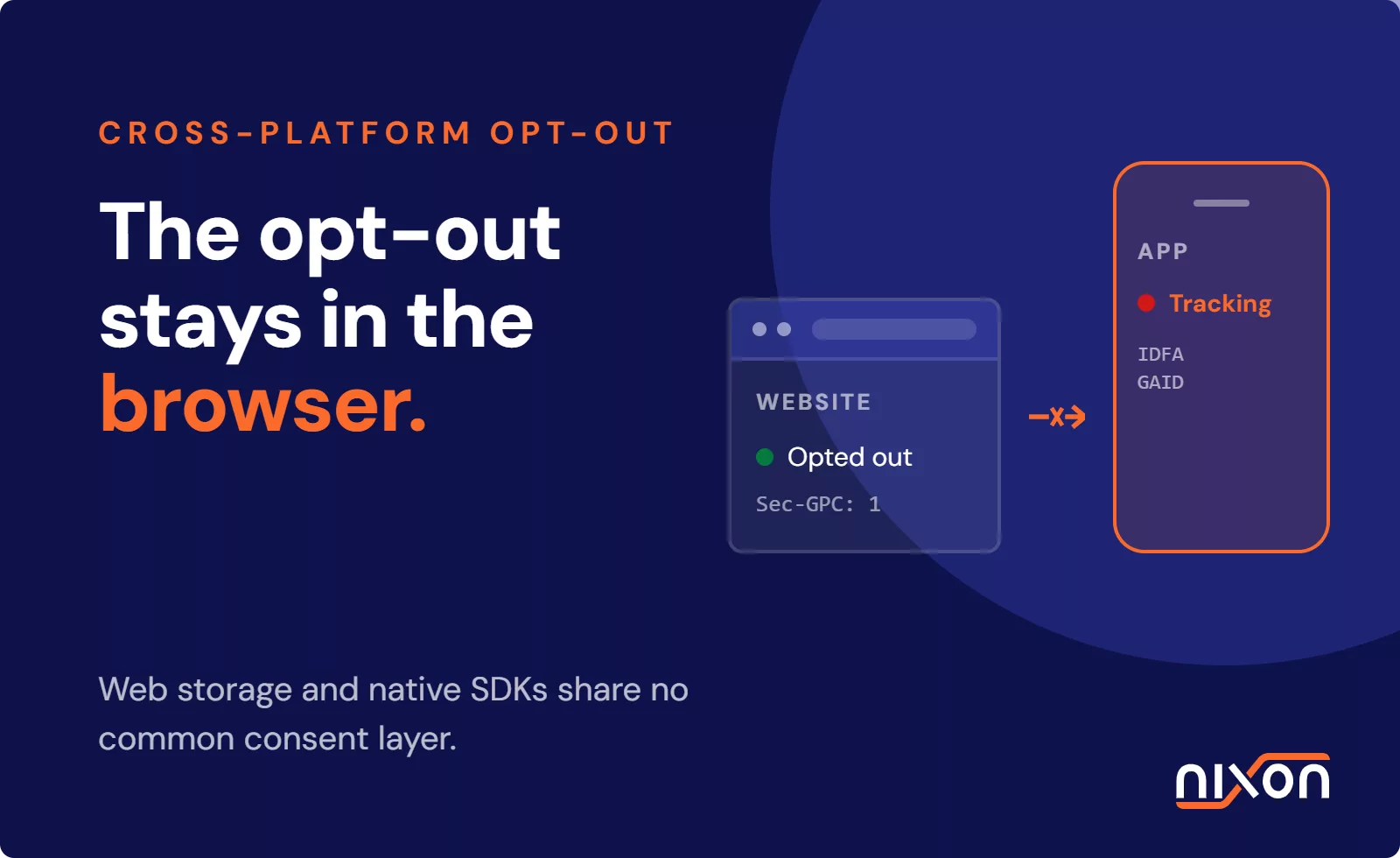
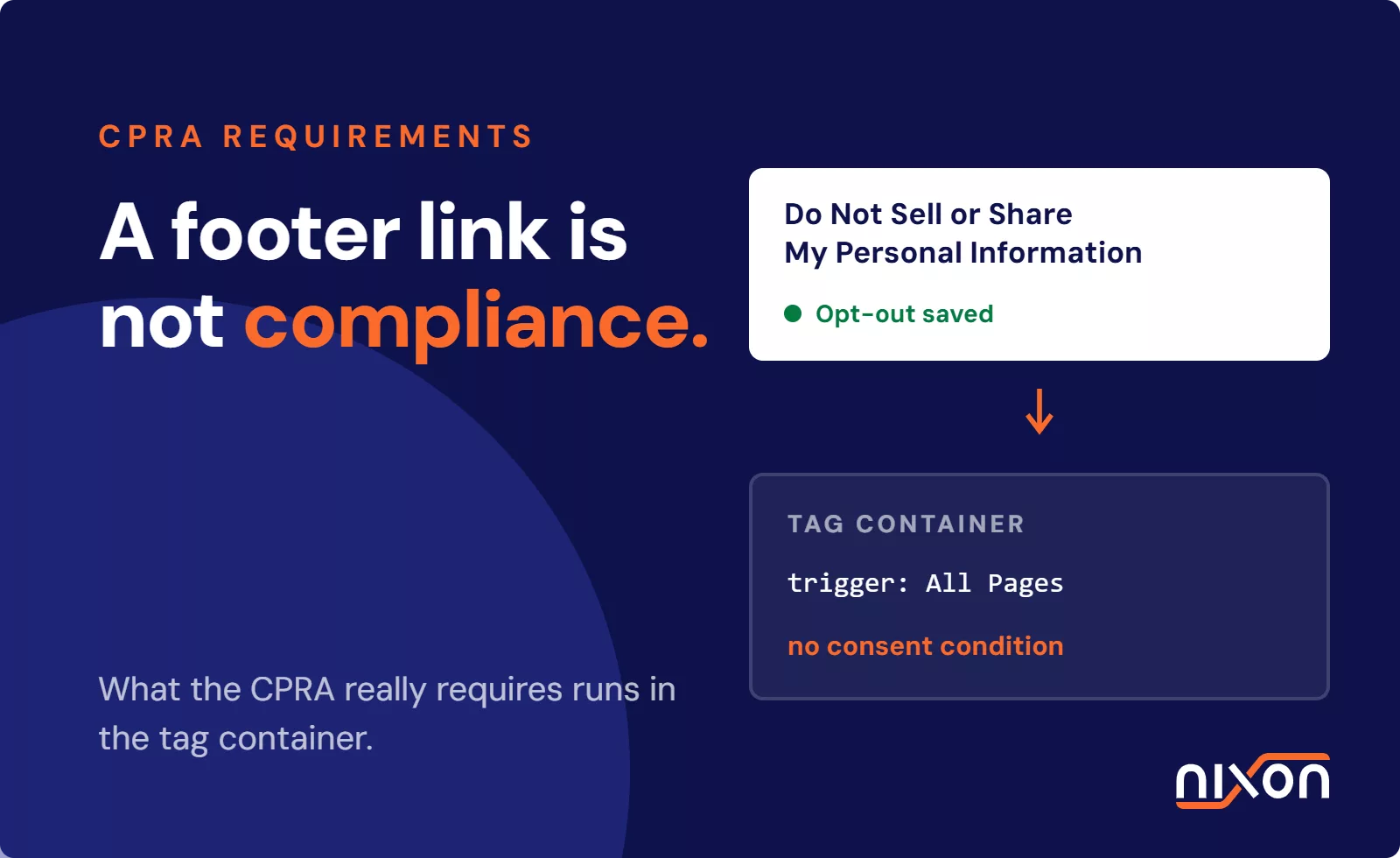
In contrast, the United States does not have a single federal privacy law equivalent to the GDPR. Instead, a patchwork of US state privacy laws operates on an opt-out basis. This is led by the California Consumer Privacy Act (CCPA) and its successor, the CPRA. Under this model, businesses can collect and process personal data by default. However, they must give consumers a clear and accessible way to opt out of the sale or sharing of their personal information. This is often done through a “Do Not Sell or Share My Personal Information” link in the website footer. The technical task here is not to block scripts by default. Instead, you must ensure that an opt-out signal is received, respected and propagated through all advertising and analytics systems.
How cookies and scripts trigger website compliance issues
The core of website privacy compliance revolves around controlling the small pieces of code that run in a visitor’s browser. These scripts are often provided by third-party marketing and analytics vendors. They make a website functional but also create privacy risks. A simple embedded video or a social media sharing button can initiate data transfers that fall under regulatory scrutiny.
The technical execution of third-party tracker scripts
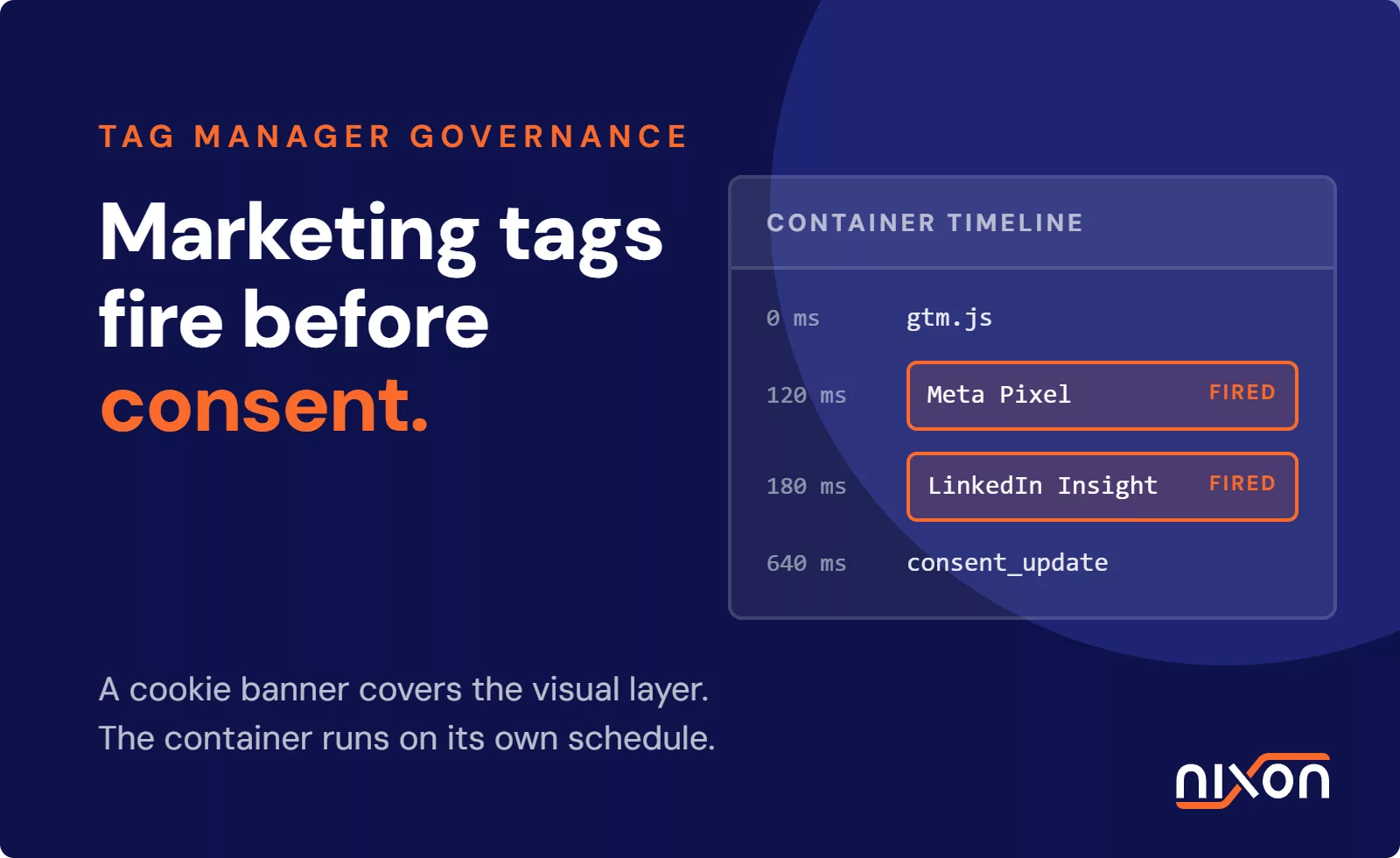
When you add a tool like Google Analytics or a Meta advertising pixel, you are embedding a snippet of JavaScript. Once a visitor loads a page, their browser executes this script. The script can then set cookies and collect information like IP address, browser type and pages visited. It then sends this data package to the vendor’s servers. This happens automatically and often invisibly. Because IP addresses are considered personal data under GDPR, this transfer requires a legal basis. That basis is typically consent. The problem is that many of these scripts execute the moment the page starts to load, long before a user has a chance to provide that consent.
Why standard consent management configurations fail
Many organizations deploy a Consent Management Platform (CMP) and assume the compliance work is done. They have a banner that asks for consent. The issue is that the banner is often disconnected from the website’s tag management system. The CMP may correctly record a user’s choice to reject cookies. But if the tag manager is not configured to act on that signal, the trackers will fire anyway. Our research consistently shows that a majority of websites engage in tracking before consent. This is not out of malice, but because of this technical integration gap. The banner becomes compliance theatre. It gives a false sense of security while data continues to be transferred illegally.
Practical steps to run a technical website privacy audit
You cannot fix what you cannot see. A paper audit of your privacy policy is not enough. You must inspect the actual data flows on your live website. This helps you understand your true compliance posture. This is a technical task that requires looking directly at what your website sends and receives.
- Identify trackers with browser developer tools. The most reliable way to identify trackers is to use the developer tools built into your web browser. Open the “Network” tab, disable the cache, and load your website in a private window. Before you click the cookie banner, examine the list of requests. You can filter by domain to see if requests are sent to known tracking domains like google-analytics.com or facebook.net. This gives you a real-time view of what loads by default, which is what regulators examine.
- Validate consent signals. The next step is to test your consent mechanism. With the Network tab still open, interact with your consent banner and click “reject all”. Then, navigate to a few other pages on your website. Watch the network requests. Are the marketing and analytics trackers still firing? If they are, your CMP is not correctly integrated with your tag manager. This simple test exposes the gap between what your banner promises and what your website actually does. A complete website privacy audit involves repeating this process under various conditions to ensure consent choices are consistently respected.
Achieving compliance across divergent website data privacy laws is impossible without technical visibility. Only by scanning your active scripts and verifying your banner’s blocking behavior can you ensure your website respects user choice in practice. If you are not sure where your own website stands, run a website privacy audit with Nixon Pro to see which trackers fire before consent.
Frequently Asked Questions (FAQ)
How do website data privacy laws affect third-party tracking?
Website data privacy laws like the GDPR require websites to get explicit user consent before activating third-party trackers for marketing or analytics. These trackers, such as Google Analytics or Meta pixels, collect personal data. Under opt-in regulations, they must be blocked by default until a user agrees. US laws often use an opt-out model, where trackers can run by default but users must have a clear way to stop the sale or sharing of their data.
Do US websites have to comply with the European GDPR?
Yes, US-based websites must comply with the GDPR if they offer goods or services to people in the European Union or monitor their behavior. The regulation's reach is based on the location of the data subject, not the location of the company. If your website is accessible to EU residents and uses tracking cookies or collects their data for marketing, you are subject to GDPR's strict opt-in consent requirements, regardless of where your business is physically located.
How can I check trackers on websites effectively?
The most effective method is to use your browser's built-in developer tools. Open the 'Network' tab before loading a website in an incognito window. Observe the requests made before you interact with the cookie banner. This shows which trackers load without consent. After rejecting cookies, navigate to other pages to verify that marketing and analytics scripts have stopped firing. This tests the actual technical implementation rather than relying on a company's privacy policy.
What do cookies do on websites that trigger legal obligations?
Cookies that trigger legal obligations are typically those used for non-essential purposes, such as advertising, analytics and social media integration. These cookies collect personal data like unique identifiers, IP addresses and browsing history to track users across different websites. Under laws like GDPR, using these cookies requires the website to obtain explicit, prior consent from the user because the activity is considered personal data processing that is not strictly necessary for the website to function.