

A compliant website example is defined by technical execution, not legal documents. For privacy officers, the gap between abstract GDPR articles and the reality of a live website can be significant. It’s not enough to have a privacy policy. True compliance is determined by how your website handles data processing in real time, specifically whether it prevents tracking scripts from running before a visitor gives explicit consent. This guide provides a concrete blueprint of what a functionally compliant website looks like, moving beyond theory to practical implementation.
What a compliant website example looks like in practice
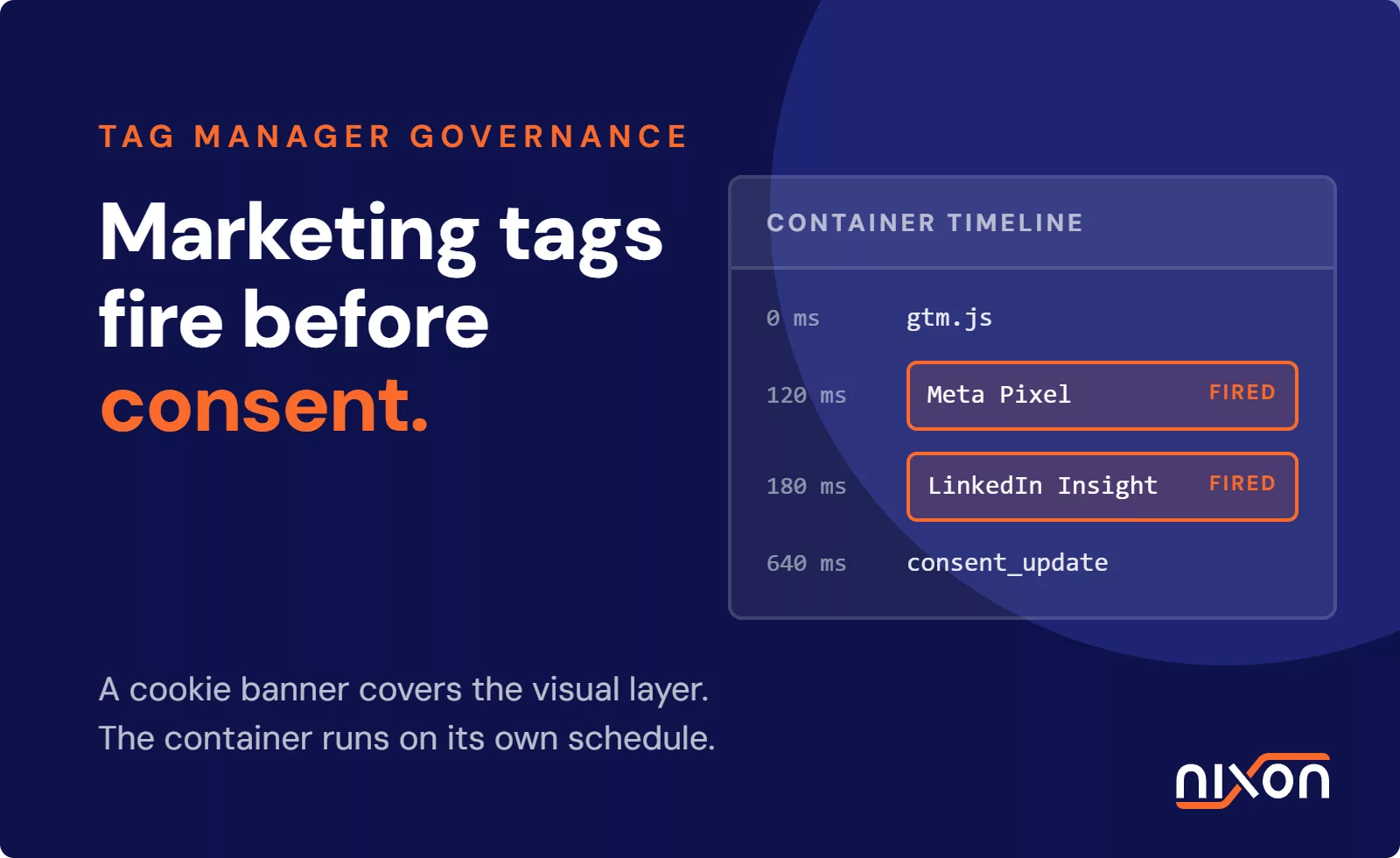
Many organisations believe a cookie banner and a privacy policy page are enough for compliance. This is a common and costly misconception. A compliant website does not just ask for consent, it actively enforces the user’s choice. The difference is technical. A non-compliant website might show a banner, but it loads Google Analytics, marketing pixels and social media trackers in the background before the user even interacts with it. This is the essence of the tracking before consent problem we see in our audits.
In contrast, a genuinely compliant website example waits. It blocks all non-essential scripts by default. If a visitor clicks ‘Reject’, those scripts never load. If they click ‘Accept’, the website then activates the corresponding trackers. This requires a properly configured Consent Management Platform (CMP) that is deeply integrated with the website’s tag management system. Compliance is an engineering challenge, not a design one. The visual banner is just the user interface for a much more complex technical process happening behind the scenes.
The anatomy of a compliant cookie banner configuration
A compliant cookie banner is more than a simple notification. Its design and functionality are dictated by strict regulatory requirements, particularly under GDPR. Getting it wrong can invalidate any consent collected, rendering your data processing unlawful.
The layout of choices
The design of the banner itself is the first test. According to the EDPB guidelines on consent, consent must be freely given. This means a ‘Reject’ or ‘Decline’ option must be presented with equal visual prominence to the ‘Accept’ button. Hiding the reject button, using pre-ticked boxes for non-essential cookies, or using manipulative colour schemes (so-called dark patterns) invalidates consent. The French DPA has been particularly clear on this, with its CNIL guidelines on cookies setting a standard that many other European authorities follow. A user must have a genuine, easy choice.
The mechanics of script blocking
This is where most websites fail. A compliant banner must act as a gatekeeper. Before a user makes a choice, no scripts related to analytics, advertising, or social media should be loaded by the browser. The CMP’s job is to intercept these scripts and hold them back until it receives an affirmative consent signal. This requires careful configuration in your tag manager (like Google Tag Manager) to ensure tags are triggered based on the consent state, not just a page view. A full cookie banner audit often reveals that while the banner looks correct, the underlying script blocking is broken or incomplete.
Recording consent states
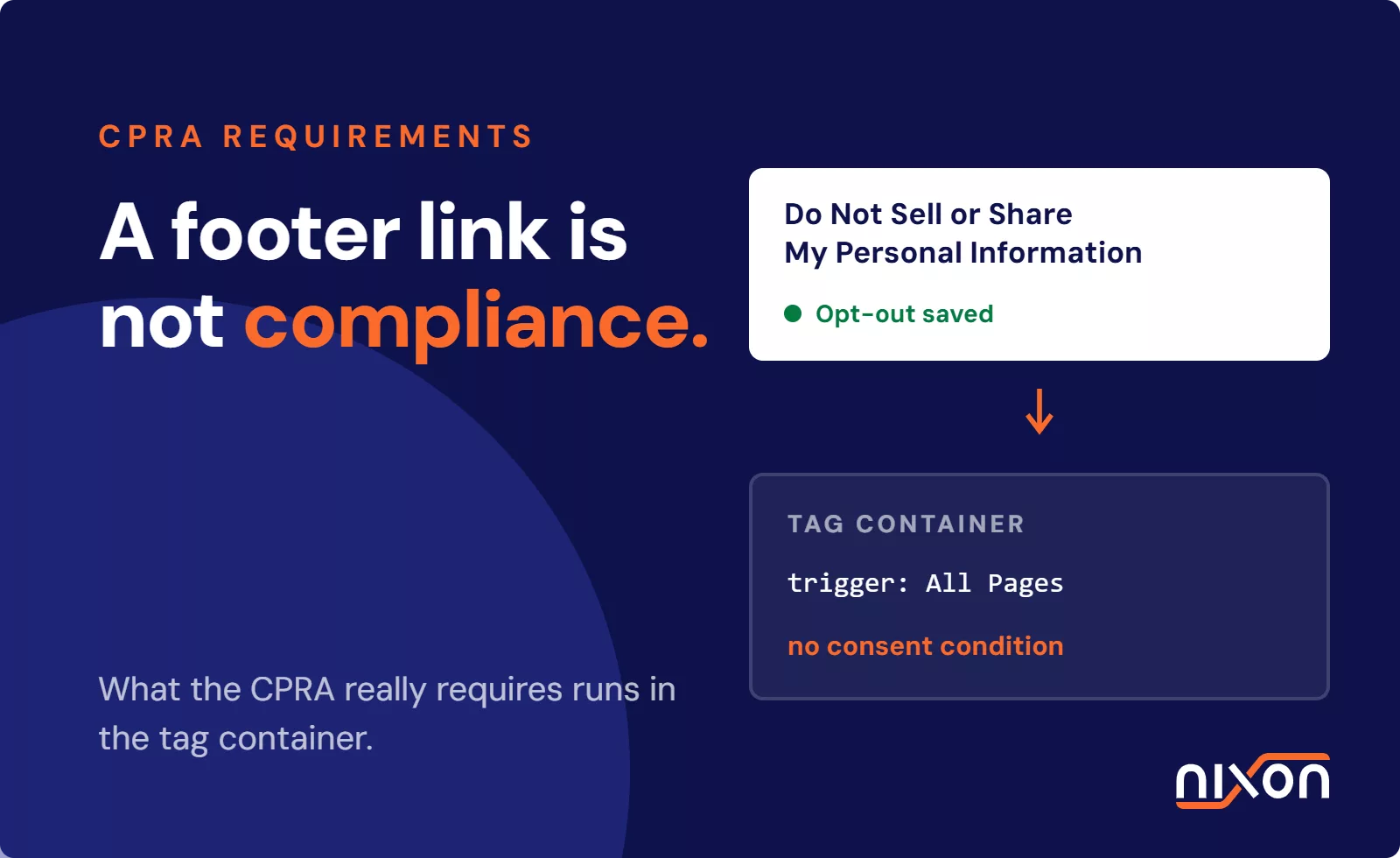
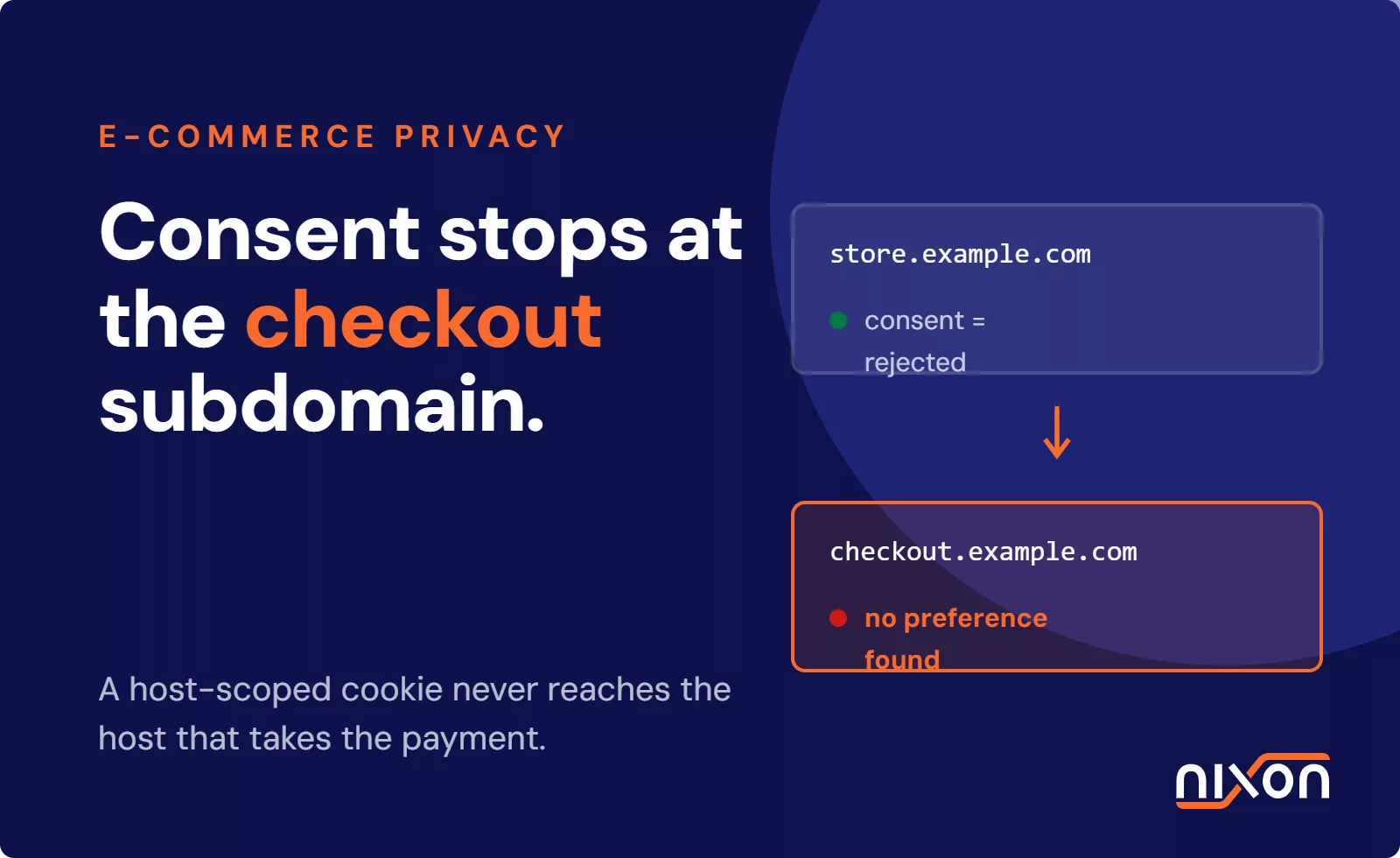
When a user makes a choice, that consent (or lack thereof) must be securely recorded and respected on subsequent visits. This is typically done by setting a first-party cookie that stores the user’s preference. This consent must also be easy for the user to withdraw at any time, usually through a persistent link or icon in the website’s footer. Even premium CMPs, including tools from partners like OneTrust, can be misconfigured. If the tag manager is not set up to listen to the consent signals from the CMP, trackers will still fire regardless of the user’s choice, creating a major compliance gap.
How to manage analytics and third-party trackers correctly
Analytics and marketing trackers are often the primary source of compliance issues. Their entire purpose is to collect data about visitor behaviour, which falls squarely under GDPR and other privacy laws. A compliant website example manages these scripts with precision.
Adjusting Google Analytics for compliance
Using Google Analytics is possible, but it requires specific adjustments to be lawful in the EU. Simply installing the default tracking code is not enough. To learn how to make google analytics gdpr compliant, you must take several steps. Start by ensuring the script only loads after the user gives explicit consent for analytical cookies. You must also enable IP anonymization within your Google Analytics settings to prevent the collection of full IP addresses. Another key step is reviewing and disabling all data sharing settings with Google and other products. You should also consider hosting the GA script locally to avoid direct connections to Google’s servers before consent is given.
Blocking other third-party tracking scripts
The same principles apply to all other third-party scripts. Embedded YouTube videos, Google Maps, Meta (Facebook) pixels, and LinkedIn insight tags all set cookies and transfer data to their respective platforms. On a compliant website, these embedded elements must be inert until consent is granted. For example, a YouTube video might be replaced with a placeholder image that, when clicked, asks for consent before loading the actual video player from youtube.com. Each third-party script is a potential data leak that must be individually identified and controlled by your consent mechanism.
The hidden elements of digital compliance
While the cookie banner is the most visible part of website privacy, several other components are essential for a complete compliance posture. These elements are often overlooked but are just as important in the eyes of regulators.
Privacy and cookie policies
Your website must have a clear, comprehensive, and easily accessible privacy policy. This document should explain in plain language what data you collect, why you collect it, who you share it with, and how users can exercise their data rights (like the right to access or deletion). It should also list all the specific cookies and trackers in use, their purpose, and their duration. This policy must be kept up to date. If you add a new marketing tool, the policy must be amended to reflect that change.
Universal opt-out mechanisms
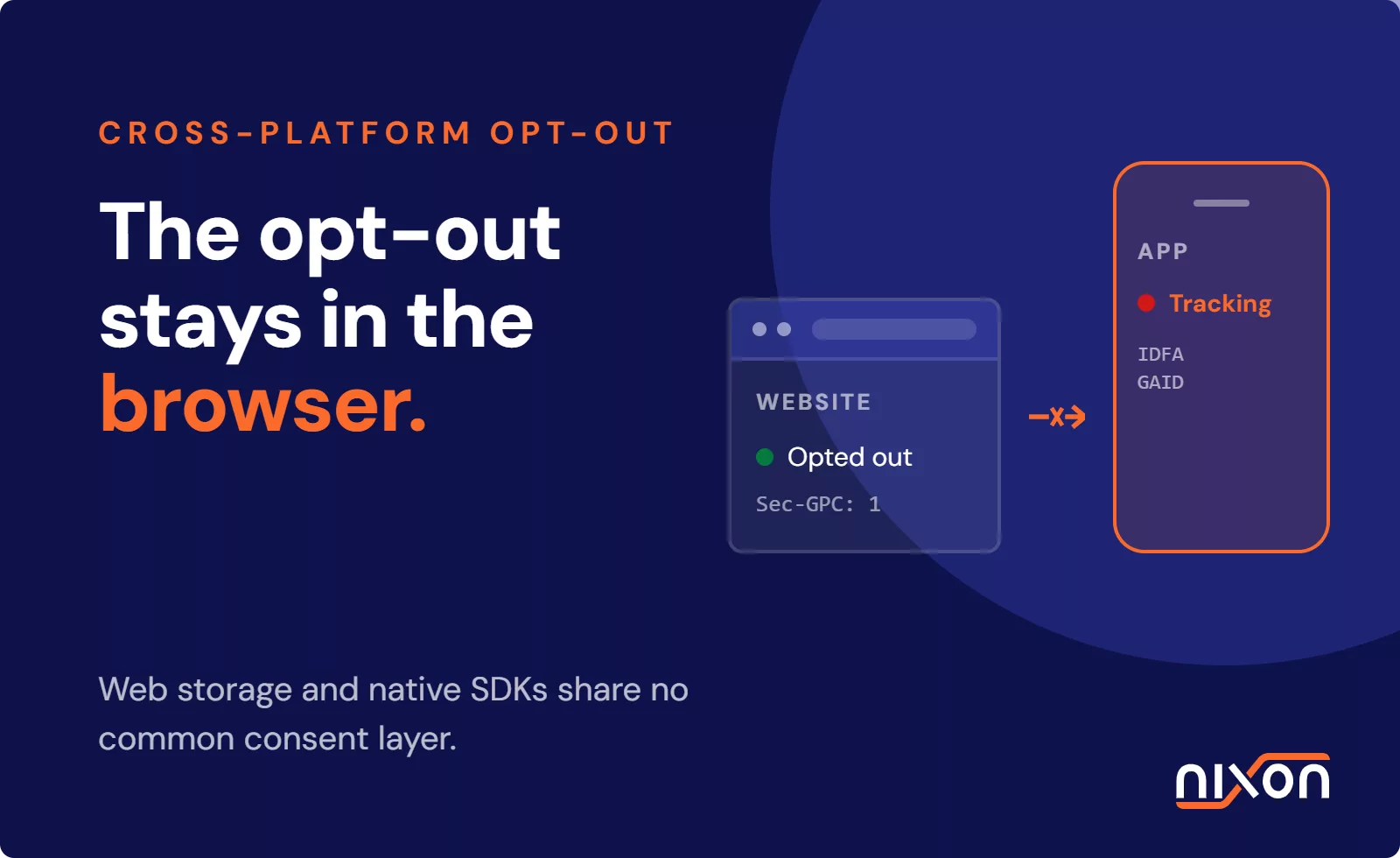
Emerging privacy regulations, such as the California Consumer Privacy Act (CCPA) and its successor the CPRA, introduce the concept of universal opt-out signals. Tools like Global Privacy Control (GPC) are browser-level signals that communicate a user’s general preference to opt out of data sharing or sales. A technically compliant website, especially one with a US audience, should be configured to detect and respect these signals automatically, treating them as a valid withdrawal of consent without requiring the user to interact with a cookie banner on every website.
How to run your own website privacy audit
Trusting that your technical teams have implemented everything correctly is not enough. Privacy officers need a way to verify compliance for themselves. You can start with a manual check using your web browser’s built-in developer tools.
- Open your website in an incognito or private browsing window.
- Open the developer tools, usually by pressing F12, and go to the “Network” tab.
- Clear the cookie banner without giving consent (for example, by clicking ‘Reject’ or closing it).
- Watch the Network tab as you navigate the website. If you see requests being sent to domains like google-analytics.com, facebook.com, or other third-party ad networks, you have a compliance problem.
This manual process is a good starting point, but it’s time-consuming and difficult to scale across many pages or websites. For a complete picture, a full website privacy audit using automated tools is necessary to catch every script and data transfer.
A compliant website example is not a myth, but it requires diligent technical oversight. Manually checking every page is not scalable or reliable. To get a clear and actionable report on where your website stands, you can check your privacy compliance with Nixon Pro and identify exactly which scripts fire before consent.
Frequently Asked Questions (FAQ)
What does a fully compliant website example look like?
A fully compliant website example does not load any non-essential cookies or tracking scripts until the user gives explicit consent. It features a cookie banner with equally prominent 'accept' and 'reject' options. Behind the scenes, its consent management platform is correctly configured to block all analytics, advertising, and social media scripts by default, only activating them after receiving the user's permission. It also has a clear, accessible, and updated privacy policy.
Can you use Google Analytics on a compliant website?
Yes, but it requires careful configuration. First, the Google Analytics script must only be loaded after the user provides explicit consent for analytical cookies. Second, you must enable IP anonymization to prevent collecting full IP addresses. Finally, all data sharing settings within your Google Analytics account should be disabled to limit data transfers to Google for its own purposes. Simply installing the default script is not compliant.
How can I check website trackers on my site?
You can perform a basic manual check using your browser's developer tools (F12). Open your website in a private window, go to the 'Network' tab, and reject all cookies in the banner. If you see requests being sent to domains like google-analytics.com, facebook.com, or other marketing platforms, it means trackers are loading before consent. For a thorough analysis, an automated scanning tool is more effective as it checks all pages systematically.
Why do cookie banners on some sites fail compliance checks?
Many cookie banners fail because they are purely for show. They might look compliant but do not actually block the tracking scripts from loading before a user clicks 'accept'. Other common failures include not offering a clear 'reject' option with equal prominence, using pre-ticked boxes for non-essential cookies, or using manipulative designs (dark patterns) to nudge users into accepting. True compliance lies in the technical blocking of scripts, not just the banner's appearance.
What is a website privacy audit?
A website privacy audit is a technical analysis of a website to identify compliance gaps with regulations like GDPR and CCPA. It involves scanning the site to discover all cookies, trackers, and third-party scripts in use. The audit checks if these trackers load before a user gives consent, identifies what data is being collected and shared, and verifies that the consent mechanism is configured and working correctly. The result is a report detailing specific issues and remediation steps.