

Checking a website for CCPA compliance is a technical challenge that goes beyond a simple privacy policy. Real compliance requires you to verify how your website handles automated opt-out signals and how third-party trackers execute. It is also critical to confirm that the necessary consumer control mechanisms are functionally active on your homepage. This guide outlines the technical anatomy of a compliant website and how to test your implementation.
The technical anatomy of a CCPA-compliant homepage
The California Privacy Rights Act (CPRA), which amends the CCPA, requires specific, functional links. These must be present and easy for consumers to find. These are not just links to a static page. They are interactive mechanisms that must trigger technical processes to honor a user’s choices about their personal information. The placement and functionality of these links are among the first things a regulator or consumer advocate will inspect.
The do not sell or share my personal information link
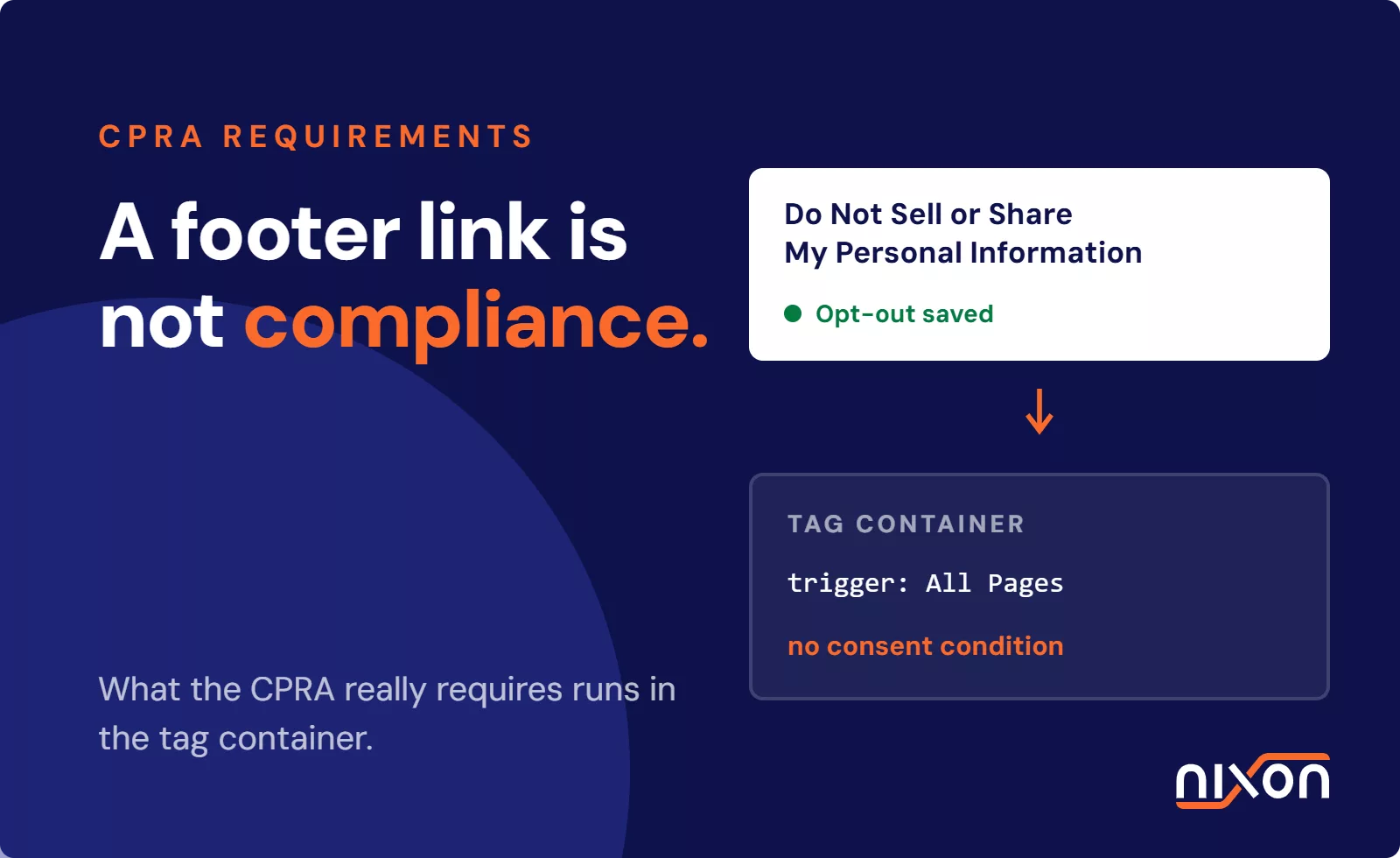
This is arguably the most recognizable requirement. Your website homepage must feature a clear and conspicuous link with this exact title, or a compliant alternative like “Your Privacy Choices”. When a user clicks this link, it must take them to a page where they can opt out of the sale or sharing of their personal information. Sharing is broadly defined to include disclosing data to third parties for cross-context behavioral advertising. A compliant link is not just informational. It must trigger a state change, such as setting an opt-out cookie or signaling your tag management system to block advertising trackers.
Handling the limit the use of my sensitive personal information link
If your business collects and uses sensitive personal information (SPI) beyond legally permitted purposes, you must also provide a link titled “Limit the Use of My Sensitive Personal Information”. SPI includes data like precise geolocation, racial or ethnic origin, and health information. This link gives consumers the power to direct your business to only use their SPI for necessary services. Functionally, this control can be combined with the “Do Not Sell or Share” link into a single, unified privacy choices portal to avoid cluttering your website footer.
The visible privacy policy link
Your website must also have a clear link to its privacy policy, typically in the footer. This policy needs to be updated at least every 12 months. It must describe consumer rights under the CCPA, the categories of personal information you collect, and the purposes for which you use it. While this is a legal document, its existence and link placement are technical requirements for the website itself. It should be accessible from every page, not just the homepage.
Honoring global privacy control and universal opt-out signals
Beyond clickable links, CCPA compliance requires websites to automatically detect and respond to browser-based opt-out signals. This moves the burden from the consumer to the business. The user no longer has to click links on every website. Instead, the business must listen for a single, universal signal sent by the user’s browser. This is a significant technical shift from the manual opt-out model.
What is global privacy control
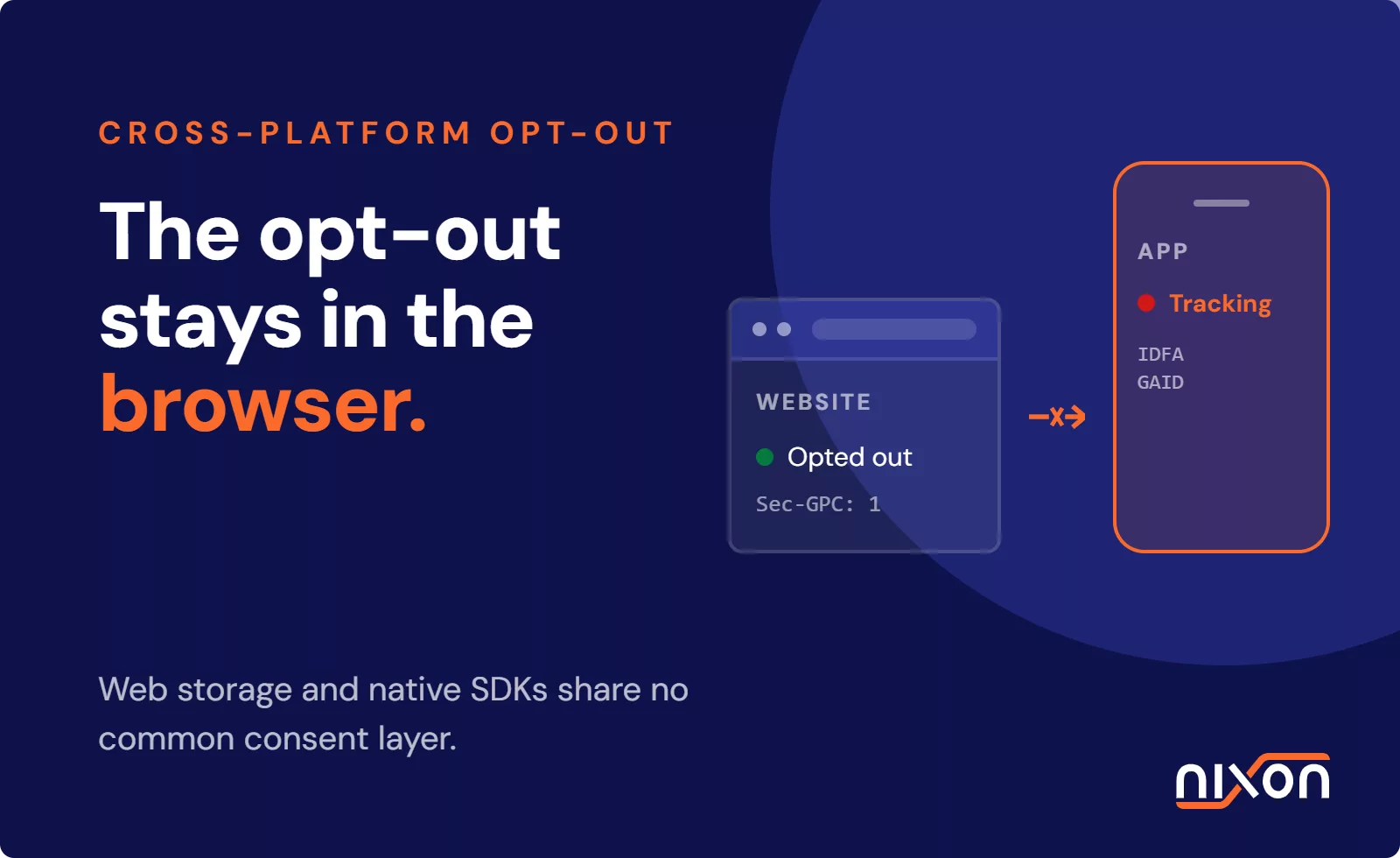
Global Privacy Control (GPC) is a browser setting or extension that users can enable to signal their privacy preferences. When enabled, the browser sends a specific header signal with each request. This indicates the user’s wish to opt out of the sale or sharing of their personal data. The California Attorney General has affirmed that businesses must treat GPC as a valid opt-out request. More information on these can be found in our guide to universal opt-out mechanisms.
How your tag manager must process gpc signals
Your website’s technical infrastructure must be configured to detect the GPC signal. This is typically handled at the Consent Management Platform (CMP) or tag manager level. When the GPC header is detected, your system must automatically translate it into the same technical action as a user clicking the “Do Not Sell or Share” link. This means blocking advertising pixels, analytics trackers that share data, and other third-party scripts. This must happen without requiring any manual interaction from the visitor.
Testing your opt-out signal automation
You can test this functionality by using a browser with GPC enabled (such as Brave) or a browser extension. Visit your website and use your browser’s developer tools to inspect network traffic and cookie storage. With GPC active, advertising and targeting cookies should not be set. No data should be sent to advertising platforms. If those trackers still fire, your website is not correctly honoring the universal opt-out signal, creating a compliance gap.
How to check website for ccpa compliance
Verifying CCPA compliance requires a structured technical review. It goes deeper than a visual check of the homepage footer. You need to simulate user actions and inspect the underlying data flows to confirm that your privacy controls are working as intended. The differences between CCPA vs GDPR requirements mean that an EU-style setup is not automatically compliant in California.
-
Run a thorough website privacy audit. The first step is to conduct a complete website privacy audit. This process maps every script, cookie, and third-party data transfer occurring on your site. The goal is to create a full inventory of all personal information being collected, sold, or shared. This audit should identify the purpose of each tracker and determine if it falls under the CCPA’s definition of “sharing” for advertising purposes, making it subject to consumer opt-out rights.
-
Perform a deep tracker check. With an inventory in hand, you must test the behavior of each tracker. Load a clean browser session and visit your website. Open the developer tools and monitor the network tab. You should see requests to various third parties like Google Analytics, Meta (Facebook), and ad tech vendors. This initial state is your baseline. This is especially important for data transfers, as both EU and US regulators scrutinize them. While the EDPB transfer recommendations are EU-specific, they highlight the global focus on data flows.
-
Verify consent state before and after opt-out. After establishing a baseline, use your website’s “Do Not Sell or Share” link to opt out. Once the opt-out is confirmed, clear your browser cache (except for the necessary opt-out cookie) and reload the page. Now, inspect the network requests again. All requests related to the sale or sharing of data, particularly for cross-context behavioral advertising, should be gone. If the same third-party advertising pixels are still firing, your opt-out mechanism is broken. It provides the appearance of control without the technical substance.
Common technical compliance failures we find
In our audits, we frequently find a huge gap between what a privacy policy claims and what the website actually does. These technical failures often happen without the legal or marketing teams being aware of the underlying problem. Keeping up with CCPA compliance updates is critical, as regulations are not static.
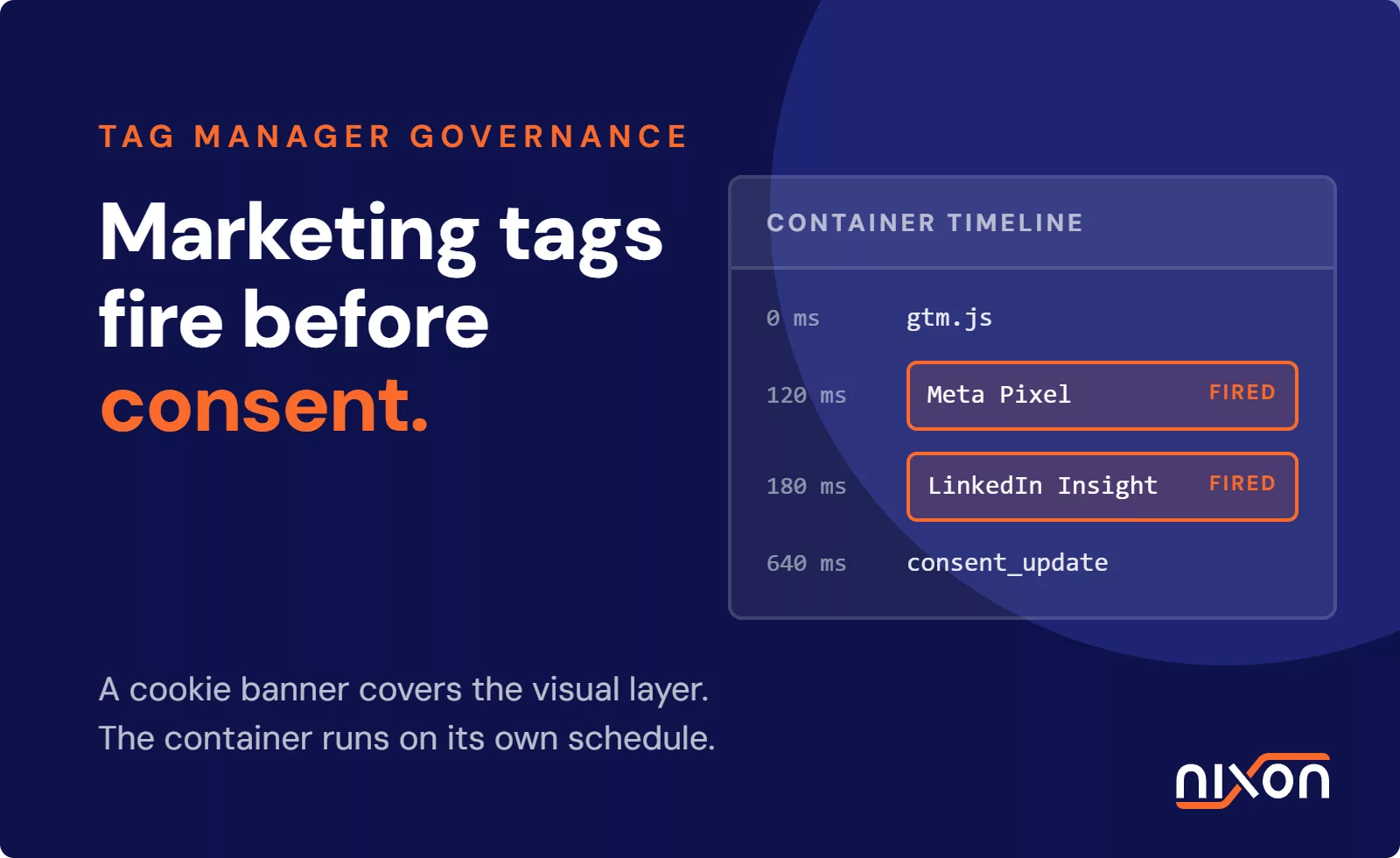
One of the most common issues is a disconnected opt-out. A user clicks the “Do Not Sell” link, and a CMP records their preference. However, this choice is never communicated to Google Tag Manager. As a result, the tags responsible for sharing data with advertising networks continue to fire on every page load. We also see misconfigured enterprise CMPs, including complex OneTrust implementations, where variables are not mapped correctly, causing opt-out signals to be ignored.
Another frequent failure involves hardcoded trackers or scripts loaded outside of the primary tag management system. These “rogue” scripts are not governed by any consent or opt-out mechanism. They will leak data regardless of user choice.
Achieving CCPA compliance is an ongoing technical process. Static policies are meaningless if your tag manager continues to leak data to third-party advertisers. By establishing a reliable workflow to continuously monitor, audit, and verify tracker behaviors, your organization can maintain verifiable compliance and build user trust. You can automate this process and check your website for CCPA compliance with Nixon Pro, which automates the tracker audit and identifies these data leaks for you.
Frequently Asked Questions (FAQ)
How do I check website for ccpa compliance manually?
To check manually, use your browser's developer tools. First, load your site and check the 'Network' tab to see which third-party trackers fire. Then, find and click the 'Do Not Sell or Share' link. After opting out, reload the page and check the 'Network' tab again. If trackers for advertising or data sharing are still loading, your opt-out mechanism is not working correctly.
Does CCPA require a cookie banner on my website?
The CCPA does not require a GDPR-style, opt-in cookie banner that blocks cookies before consent. However, it does require a clear and conspicuous link, typically in the website footer, titled 'Do Not Sell or Share My Personal Information'. Many companies use a banner or footer notice to inform users of their rights and provide a link to the opt-out page, but it operates on an opt-out basis, not opt-in.
What is the difference between do not sell and do not share under CCPA?
'Selling' refers to disclosing personal information to a third party for monetary or other valuable consideration. 'Sharing' was added by the CPRA and specifically covers disclosing personal information to a third party for cross-context behavioral advertising, even if no money is exchanged. A compliant opt-out mechanism must give consumers the ability to stop both activities.
How do universal opt-out signals work on a website?
Universal opt-out signals, like Global Privacy Control (GPC), are sent from a user's browser or a browser extension. The signal is transmitted as an HTTP header with every request to a website. A CCPA-compliant website must be configured to automatically detect this header signal and treat it as a valid request to opt out of the sale or sharing of personal data, without requiring the user to click any links.
Can a privacy policy alone make my website CCPA compliant?
No, a privacy policy is a necessary component but is not sufficient for CCPA compliance. Compliance is a technical matter. Your website must have functional mechanisms, such as the 'Do Not Sell or Share' link and the ability to honor GPC signals, that actually stop data from being sold or shared when a user opts out. If your technical implementation doesn't match your policy, you are not compliant.